
ALIBARBAR VAPE News
What Does Fl On Alibarbar Vape Mean
Jul
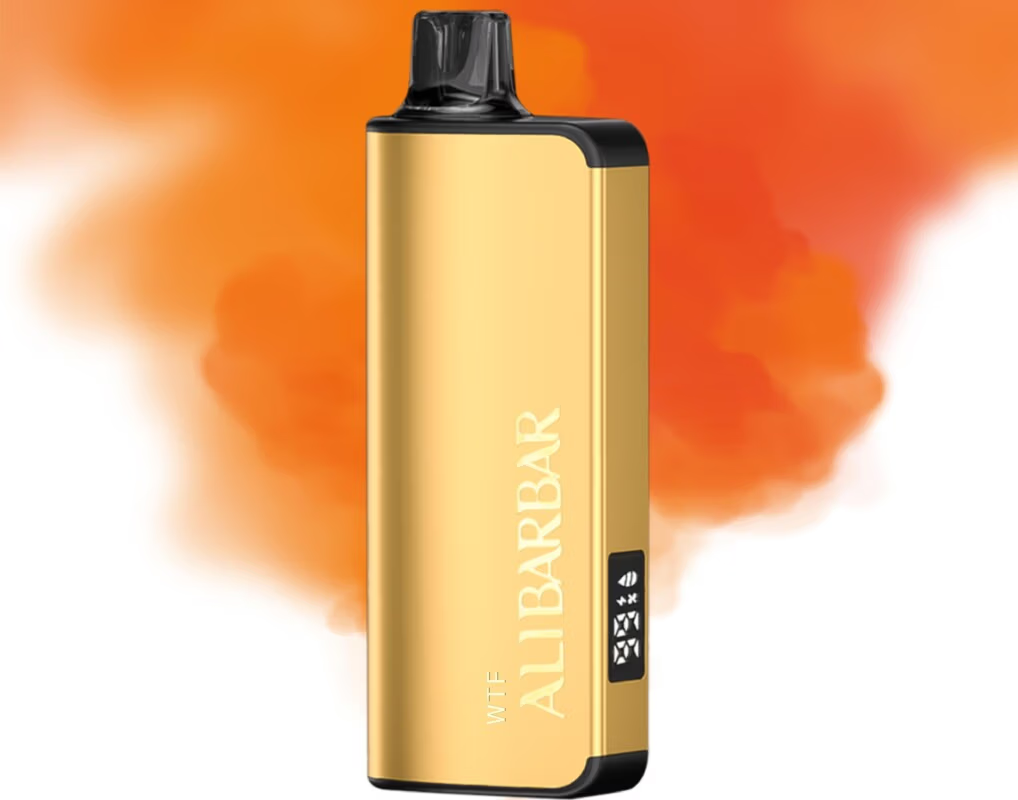
On ALIBARBAR devices with a smart screen (like the INGOT 15000 or Ice Adjust 12000), “FL” typically stands for “Flavor Lock” (sometimes also referred to as “Function Lock”).
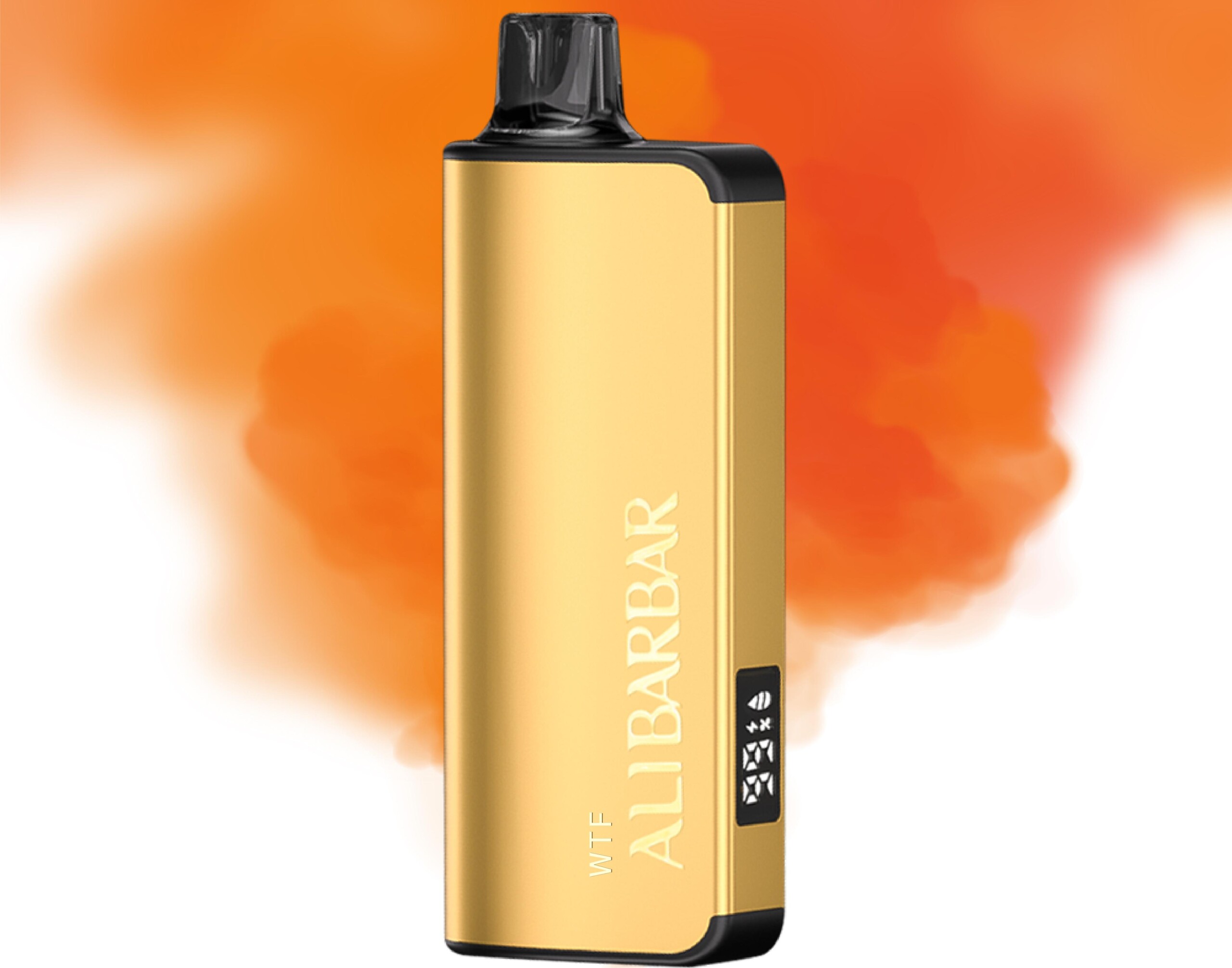
It indicates that the device’s fire button or certain adjustable features have been locked to prevent accidental activation—especially useful when carrying the vape in a pocket or bag.
🔒 What Flavor Lock does:
When “FL” appears on the screen, the draw-activated sensor may still work normally, but the physical button (if pressed) won’t fire the device.
On some models, it also locks airflow or power adjustment settings, preserving your chosen flavour intensity and preventing unintentional changes.
🔧 How to turn Flavor Lock on/off:
Most ALIBARBAR devices with this feature use a simple button combination:
Press the fire button 3 times quickly (or, on some models, 5 times) to toggle the lock on or off.
The screen will briefly show “FL” when locked, and it will disappear when unlocked.

If you’re unsure, check the user pamphlet that came with your specific ALIBARBAR model—different series can have slightly different controls.
📌 Note:
If you see “FL” continuously on your screen and the device doesn’t fire via draw-activation either, it may be a sign that the airflow sensor is locked or that the device needs a charge. Try unlocking first, and if the issue persists, contact the store where you purchased it.
Still confused? Reach out to ALIBARBAR VAPE Australia Store support—they can walk you through your exact model’s functions.