ALIBARBAR VAPE News
How To Reset Alibarbar Vape
Jun
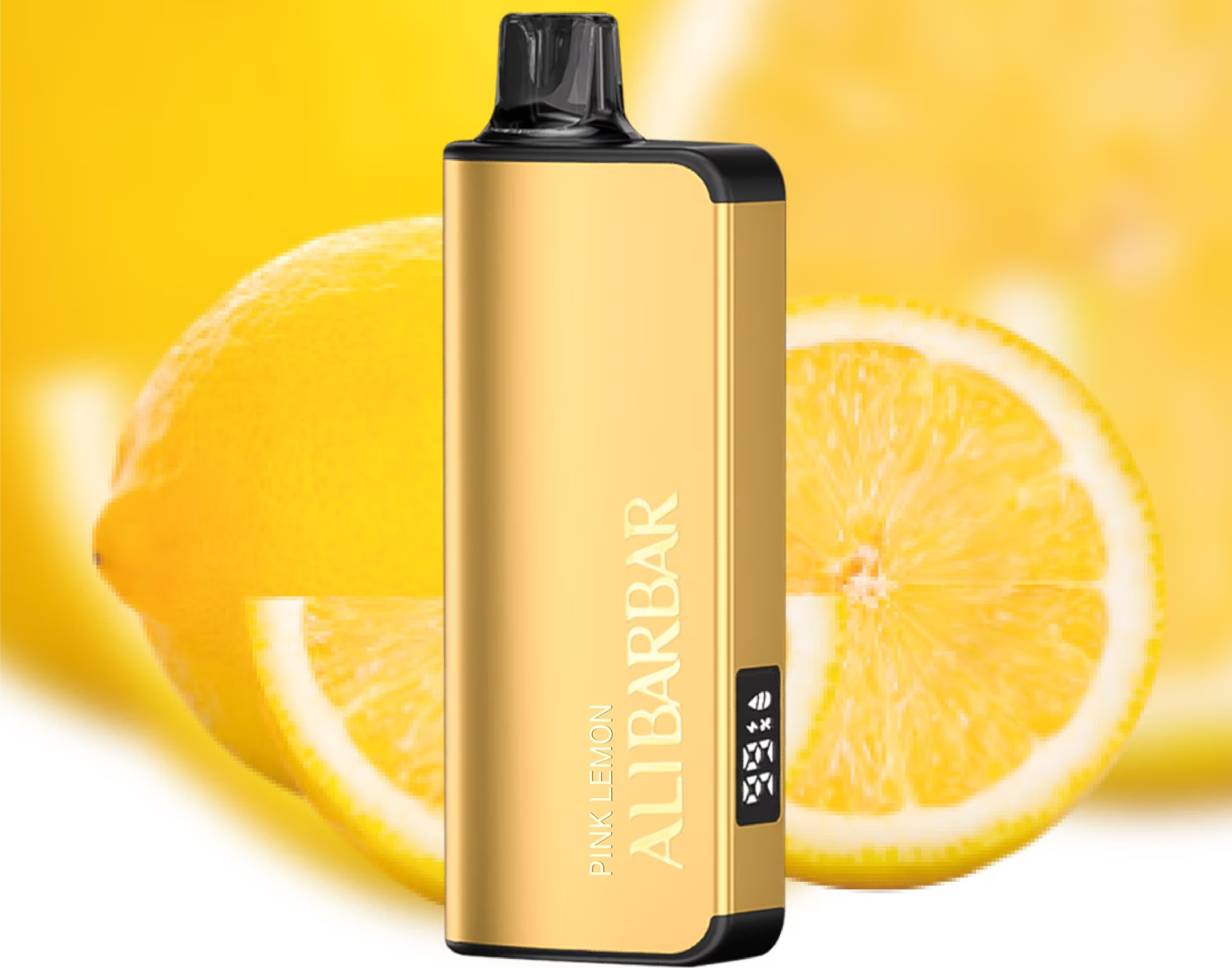
Most Alibarbar disposable vapes (like the INGOT 9000 or 15000) are rechargeable draw-activated devices, so there’s no traditional “reset” button. If your device isn’t working properly, try these steps before assuming it’s finished:
Charge it fully
Use a standard USB-C cable and a basic 5V/1A charger (fast chargers can damage the battery).
The LED indicator should light up while charging and turn off when full.
Even brand-new devices sometimes arrive with a low charge.
Clear the airflow
Gently blow into the mouthpiece to remove any condensation or minor blockage.
Check that the airflow inlet (usually on the bottom or side) is not covered by your fingers or debris.
Tap & prime the coil
Lightly tap the device against your palm to shift any trapped liquid.
Take a few gentle “primer puffs” (short inhales without firing) to help settle the coil.
Check the LED behaviour
Blinking when drawing → Low battery or end of life.
No light at all → Device may be completely drained or defective.
Solid light but no vapour → Coil might be burnt or airflow sensor stuck.
Leave it alone for a few minutes
If the device flooded or the auto-draw sensor is acting up, sometimes leaving it upright for 5–10 minutes allows things to settle.
If none of these help, the pod has likely reached its puff limit or encountered a hardware fault. Alibarbar devices are sealed units and aren’t designed to be opened or mechanically reset. For a defective or dead-on-arrival unit, contact the store where you purchased it — genuine retailers (like the ALIBARBAR VAPE Australia Store) often assist with warranty claims on faulty devices.