
ALIBARBAR VAPE News
How To Reset A Alibarbar Vape
Jul
Resetting an Alibarbar vape depends on the model, but most disposable or rechargeable Alibarbar devices (such as the INGOT series) don’t have a traditional “reset” function. If you’re experiencing issues like a blinking light, weak draw, or it won’t fire, try the following steps:
Check for a clogged airflow sensor
Blow gently into the charging port or airflow holes to clear any dust or e-liquid that may have accumulated.
Wipe the contacts with a dry cotton swab.
Recharge the device fully
Many Alibarbar vapes (e.g., INGOT 9000/15000) have a USB‑C port. Use a standard 5V charger (avoid fast‑charging bricks).
A low battery can mimic a fault – a full charge often resolves erratic behaviour.
Adjust the airflow if applicable
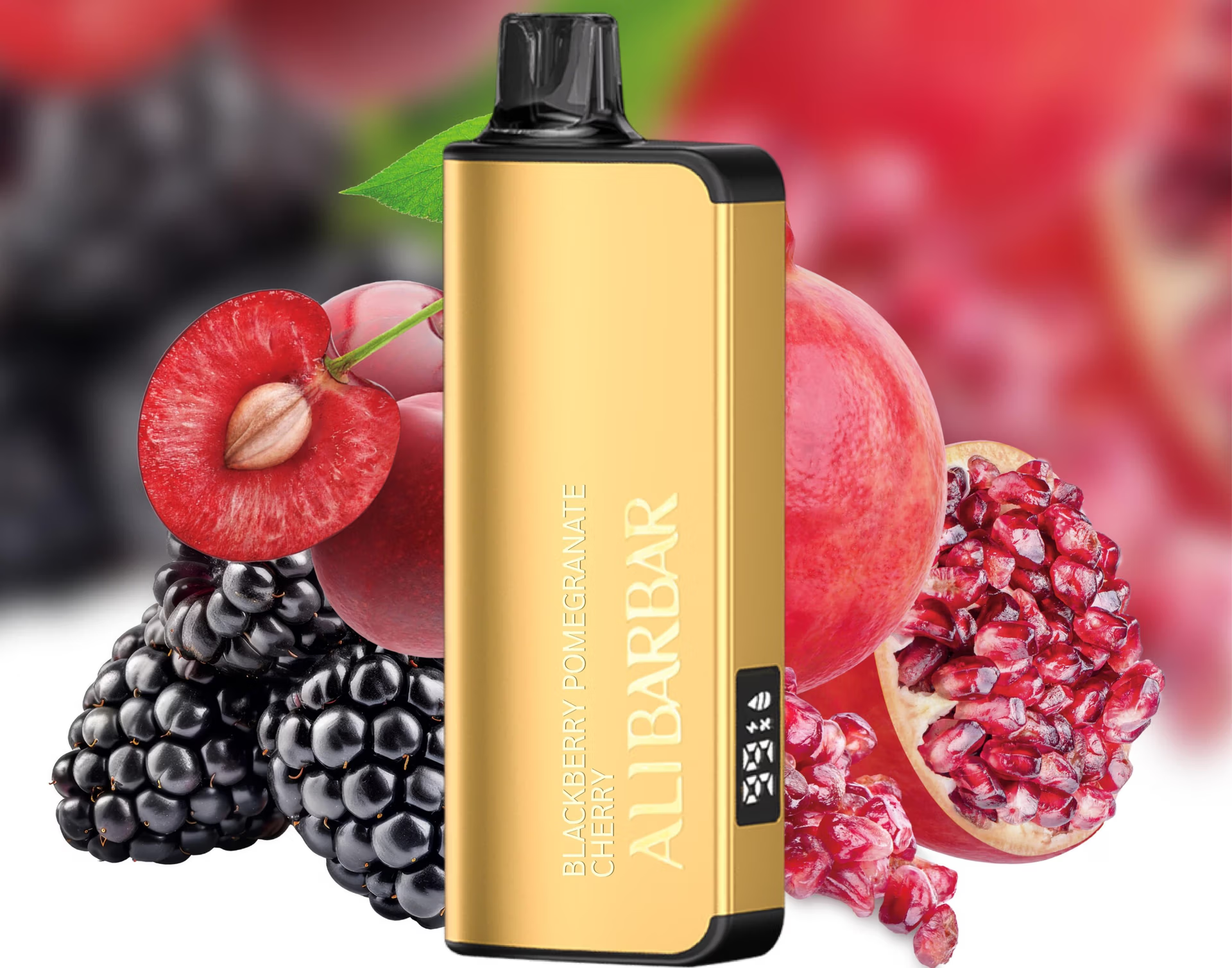
Some models (like the Ice Adjust 12000) have a slide or ring to adjust airflow – ensure it isn’t fully closed.
For adjustable-power devices
If your device has a button, try clicking 3 or 5 times to turn it on/off. A “reset” might simply be power‑cycling the battery.
If it’s auto‑draw and won’t stop firing
Immediately disconnect it from any charger and let it sit for 10–15 minutes. The auto‑draw sensor may have been triggered by moisture or pressure changes.
If none of these work, the device may have a factory defect or a dead coil. Since the INGOT line is designed as a sealed unit, there’s no internal reset switch. Contact the retailer you purchased from – if it’s ALIBARBAR VAPE Australia Store, they offer support for faulty units purchased directly from them (subject to their policy).
For more detailed troubleshooting, refer to the user manual or reach out to their customer service.