
ALIBARBAR VAPE News
How To Recharge Oz Alibarbar Vape

May
A key advantage of many modern disposable vapes is their rechargeable battery, allowing you to use the full capacity before disposal. If you own an ALIBARBAR device, this guide will walk you through identifying if your model is rechargeable and how to charge it safely and effectively.
Step 1: Identify Your ALIBARBAR Model
First, check which ALIBARBAR device you have. Not all models are designed to be recharged.
Rechargeable Models: These devices have a USB-C charging port located on the bottom or side.
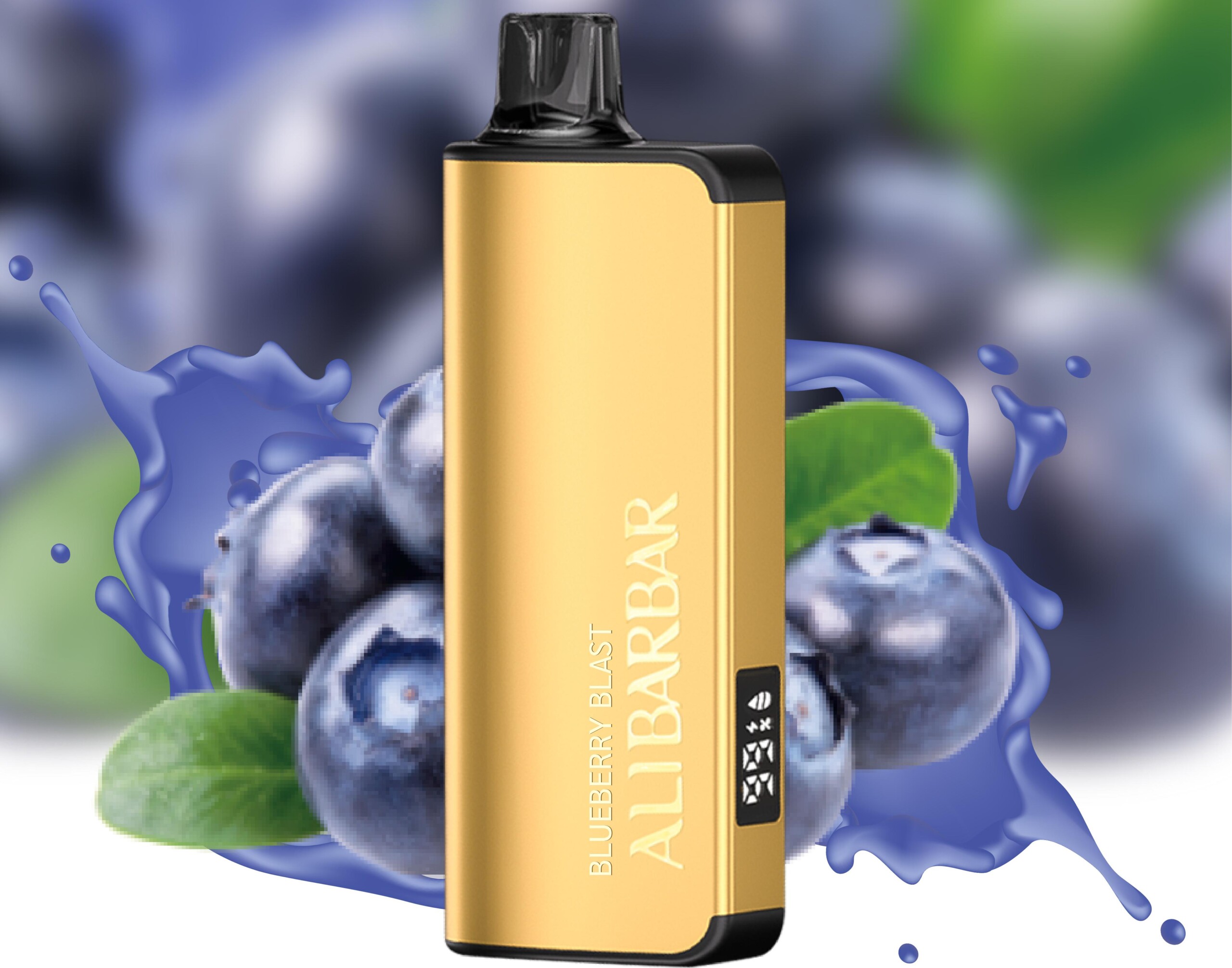
ALIBARBAR INGOT 9000
ALIBARBAR INGOT 15000
ALIBARBAR INGOT 20000
Non-Rechargeable Models: These are single-use devices and should not be attempted to be recharged. They do not have a charging port.
ALIBARBAR Ice Adjust 12000
ALIBARBAR FLOW Series
Always check the device packaging or the bottom of the device itself for a USB-C port before attempting to charge.
Step 2: The Correct Charging Process
If you have confirmed your ALIBARBAR INGOT device has a USB-C port, follow these steps:
Use the Right Cable: Always use a standard USB-A to USB-C or USB-C to USB-C cable. Avoid using fast chargers or high-power adapters (like those for laptops or tablets), as these can damage the battery.
Connect to a Power Source: Plug the USB end into a low-power source, such as:
A computer USB port.
A standard 5V/1A or 5V/2A USB wall adapter (similar to a phone charger).
A portable power bank.
Monitor the Indicator Light: While charging, an LED indicator light on the device will typically illuminate. The light may stay on or pulse during charging and will turn off once the battery is full.
Charging Time: A full charge usually takes 45 to 90 minutes. Avoid leaving the device plugged in for extended periods after it is fully charged.
Essential Safety & Usage Tips
Do Not Use While Charging: For safety, do not use (inhale from) the device while it is connected to the charger.
Supervise Charging: Charge on a non-flammable surface and avoid leaving it to charge unattended for long periods, especially overnight.
Inspect the Device: Before charging, check the USB-C port for any dust or liquid residue. Do not charge if the device is damaged, has been dropped, or shows signs of leakage.
Stop If It Gets Hot: If the device becomes unusually warm during charging, disconnect it immediately.
What to Do If Your Device Isn’t Rechargeable
If you have a non-rechargeable ALIBARBAR model (like the Ice Adjust 12000) and the battery is depleted, the device has reached its end of life. Do not attempt to modify or open the device to charge it, as this can damage the internal components and pose safety risks. Simply dispose of it responsibly according to local regulations and consider a rechargeable model like the ALIBARBAR INGOT series for your next purchase for better value and convenience.
Final Recommendation
For a hassle-free, long-lasting experience, choosing a rechargeable ALIBARBAR device from the INGOT series is the most practical option. You can explore the full range of authentic, rechargeable ALIBARBAR products at the official ALIBARBAR VAPE Australia Store. Their selection ensures you get a genuine device with clear instructions for safe use and charging.
Need a new rechargeable device? Browse the official range at ALIBARBAR VAPE Australia Store.