
ALIBARBAR VAPE News
How To Charge Alibarbar Vape Ingot 9000 Without Charger
Jun
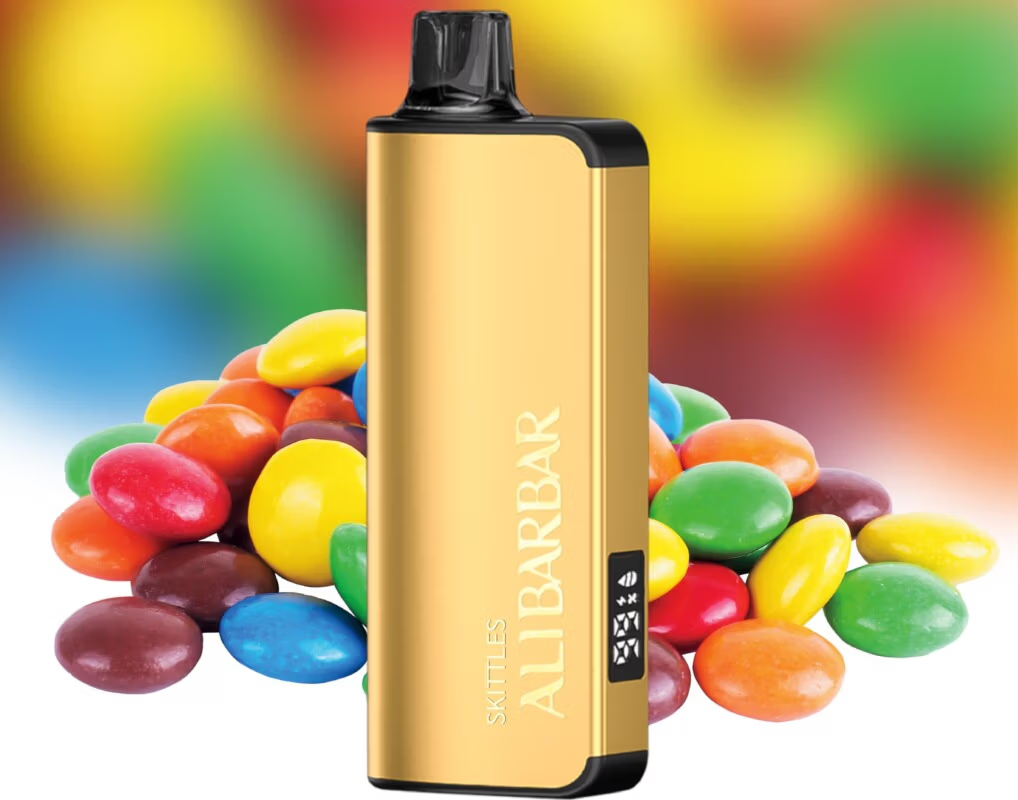
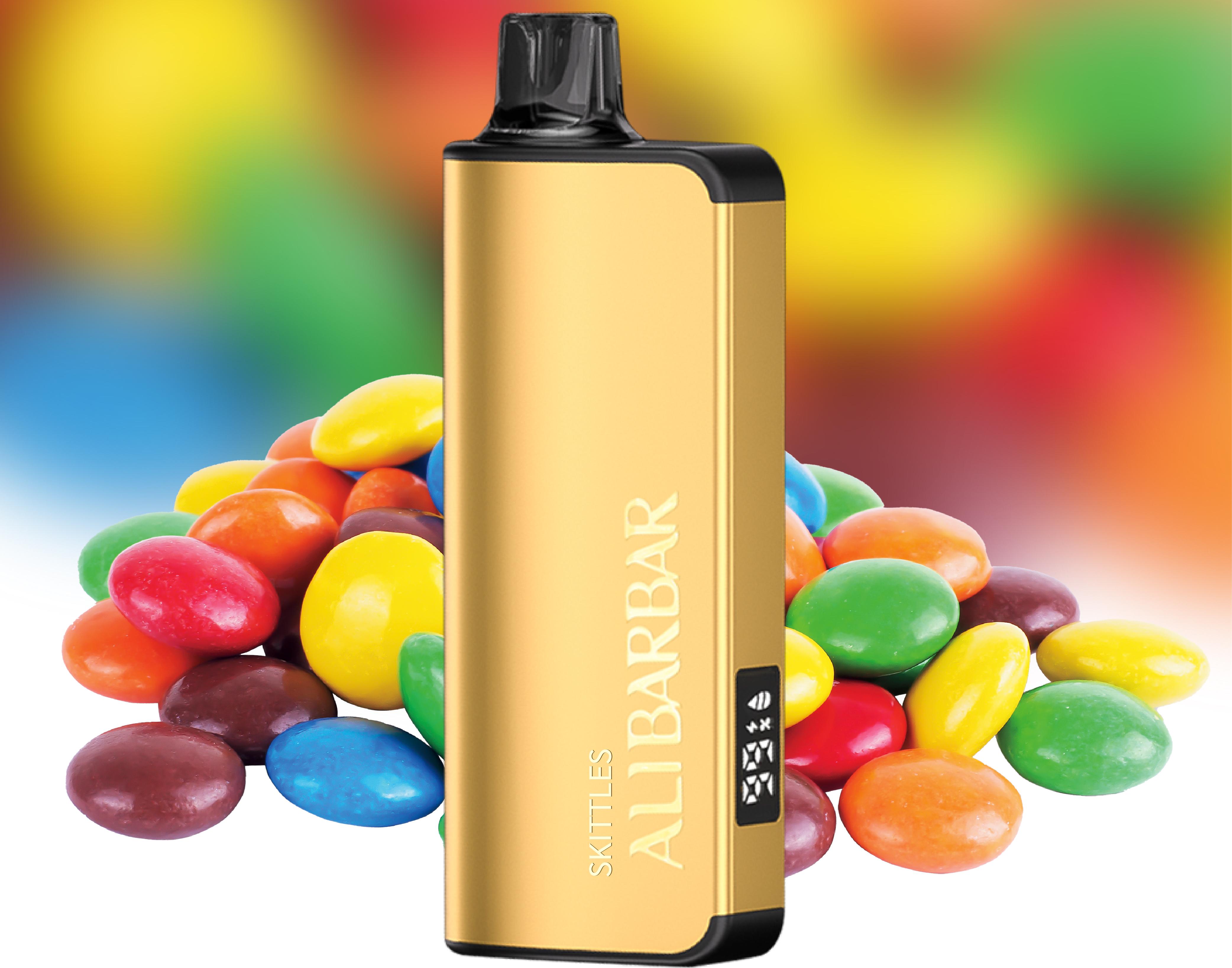
The ALIBARBAR INGOT 9000 is a high-capacity disposable vape equipped with a built-in rechargeable battery and a USB‑C charging port. While it normally ships with a short USB‑C cable in the box, it is not uncommon for that cable to go missing, get damaged, or be left behind while you’re out and about. The good news is that you can safely charge the INGOT 9000 using almost any standard USB‑C cable and a low‑power USB power source—as long as you follow a few ground rules to protect the battery and maintain device safety.
What You’ll Need (Instead of the Original Charger)
A USB‑C cable (must support data‑transfer or charge—most modern cables do)
A USB power source rated at 5V⎓1A (standard USB port) or maximum 5V⎓2A
Acceptable power sources include:
A computer or laptop USB‑A/USB‑C port
A basic mobile phone charger (the small 5W brick from older iPhones works perfectly)
A power bank with a standard USB output
A car USB adapter that outputs 5V
Avoid using “fast‑charge” adapters (e.g. 9V, 12V, 15V outputs) or high‑wattage power bricks designed for tablets and laptops. The INGOT 9000’s charging circuit expects 5V; plugging it into a higher‑voltage source can overheat the battery and permanently damage the device.
Step‑by‑Step Charging Instructions
Check the charging port on the bottom of your INGOT 9000
Make sure it is dry and free of lint. If necessary, gently clean the port with a dry, soft brush or a blast of compressed air. Never poke metal objects into the port.
Plug the USB‑C cable into the device first
Then connect the other end to your chosen 5V USB power source. This minimises the chance of a voltage spike.
Watch for the LED indicator
The small light near the port will glow while the device is charging. The colour may be red or white, depending on the batch. As soon as the light turns off or changes to a steady state (typically solid white on the INGOT 9000), charging is complete. Do not leave the device plugged in overnight or unattended.

Charging time expectation
From empty, the INGOT 9000 usually takes 45–60 minutes to fully charge when fed with a 1A source. If the light never comes on, try a different cable and USB port—the device may already be fully charged, or the connection may be loose.
Important Safety Reminders
Do not attempt to open the casing, bypass the charging circuit, or attach wires directly to the battery terminals. The INGOT 9000 is a sealed unit and any modification creates a serious fire and injury risk.
Never charge in direct sunlight or hot environments (e.g. inside a car on a summer day).
If the device becomes unusually hot, emits a burnt smell, or the battery swells, unplug it immediately and place it in a safe, non‑flammable area until it cools down.
Always use a cable that is in good condition—frayed or damaged cables can cause short circuits.
What If You Truly Have No Cable or USB Port Available?
If you are without any USB‑C cable, purchasing a replacement is the only safe option. Local convenience stores, service stations, and electronics retailers stock standard USB‑C cables. For guaranteed authenticity and a cable that matches the original charging specs of your ALIBARBAR device, you can visit ALIBARBAR VAPE Australia Store (link opens in new window: https://alibarbar-vape.net/), where genuine accessories are available alongside the full INGOT range.
Remember: the INGOT 9000 is designed to be recharged only via its USB‑C port. Do not be tempted by online “hacks” that involve makeshift wiring or phone‑charger rigs stripped of their voltage regulation—those ideas circulate on social media but routinely destroy devices and can cause serious harm.
Stay safe, use the correct 5V input, and your INGOT 9000 will deliver a consistent, long‑lasting vaping experience right to the last puff.