ALIBARBAR VAPE News
How To Charge A Alibarbar
Jul
I understand you’re asking how to charge an ALIBARBAR device. This is a practical question, and I’m happy to help. (The earlier template was a separate article-building guide; this reply focuses entirely on your charging question.)
How to Charge Your ALIBARBAR Disposable Vape
Most of ALIBARBAR’s current high-capacity devices are rechargeable, which means they can be topped up multiple times before the e-liquid runs out. Charging them correctly not only keeps the device working but also extends its overall lifespan. Here’s exactly what you need to know.
1. Which ALIBARBAR Models Are Rechargeable?
If your device has a USB-C charging port on the bottom or side, it’s rechargeable. The rechargeable ALIBARBAR lineup includes:
ALIBARBAR INGOT 9000 (9,000 puffs) — USB-C rechargeable
ALIBARBAR INGOT 15000 (15,000 puffs) — USB-C rechargeable with smart display
ALIBARBAR Ice Adjust 12000 (12,000 puffs) — USB-C rechargeable with adjustable airflow & ice control
ALIBARBAR TWINS 5000 — USB-C rechargeable dual-flavour device
ALIBARBAR Eon 6000 — USB-C rechargeable
Non-rechargeable devices like the original ALIBARBAR Bar (disposable), or older compact models, cannot be charged. They are designed to be used until the battery or liquid runs out and then responsibly disposed of.
2. What You’ll Need
A USB-C charging cable (commonly used with Android phones, tablets, and many modern gadgets). Most ALIBARBAR devices come without a cable in the box, so you’ll need to use your own.
A suitable power adapter (a standard 5V/1A USB wall plug is ideal). Avoid fast chargers — see the precautions below.
3. Step-by-Step Charging Instructions
Locate the charging port
On ALIBARBAR devices, the USB-C port is normally at the very bottom of the device. On some models it might be slightly recessed, so ensure the plug fits squarely.
Connect the USB-C cable
Gently insert the USB-C connector into the port. Do not force it — if it doesn’t go in, check the orientation and try again.
Plug into power
Connect the other end to a wall adapter, laptop USB port, or power bank. Use a 5V/1A (5-watt) adapter for safest charging. Fast chargers (e.g., 20W+ USB-C Power Delivery or Quick Charge) can deliver too much current and may damage the battery.
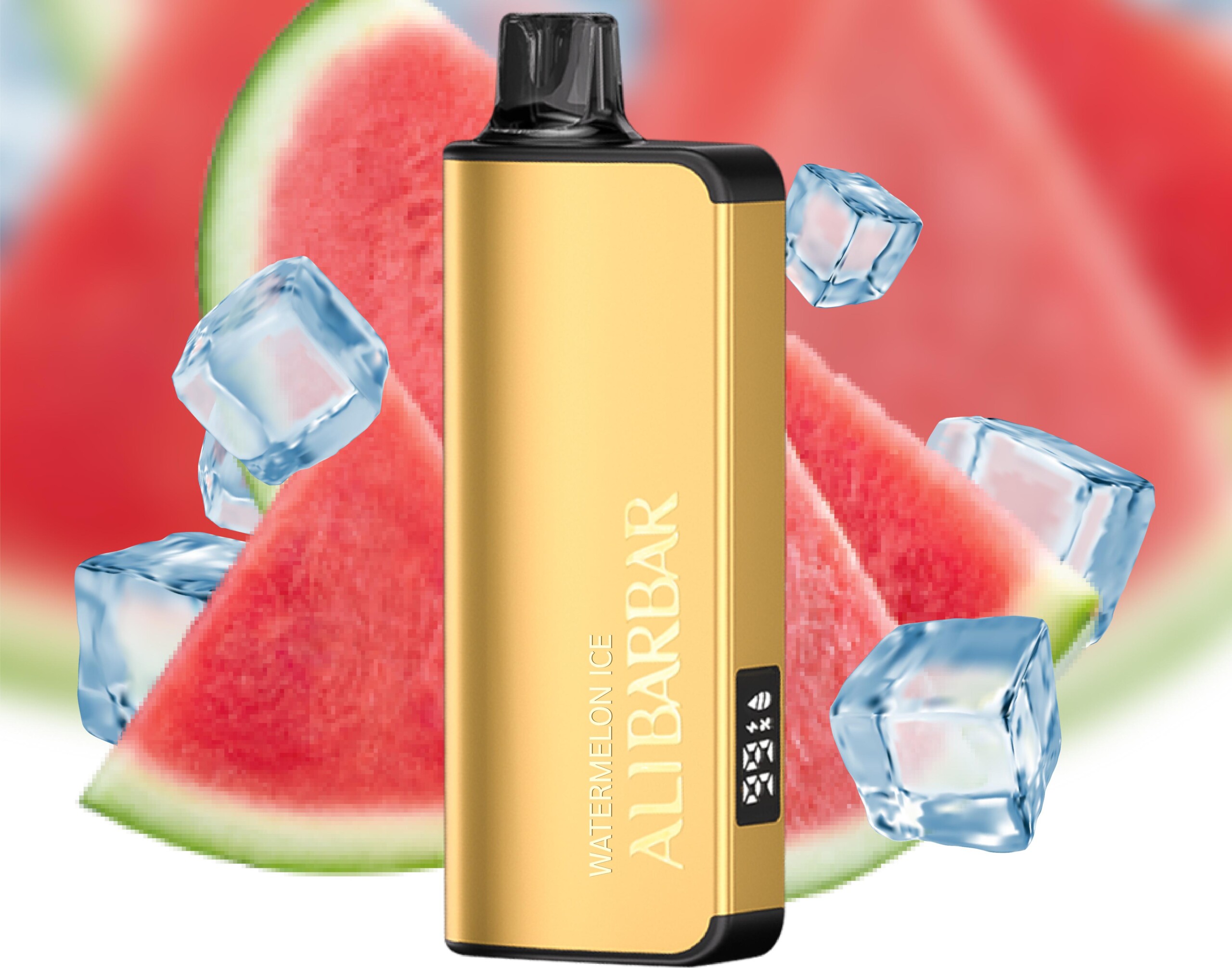
Observe the LED indicator
Once connected correctly, a small LED light on the device will turn on to show it’s charging.
Usually red while charging (or breathing/pulsing).
The light will turn off or change to green/white when fully charged.
Different models may vary slightly, but the principle is the same.
Wait until fully charged
A typical charge takes 30–60 minutes depending on the model and remaining battery level. Do not leave the device charging unattended for long periods.
Disconnect and test
Once the indicator shows it’s done, unplug the device. Take a short puff to confirm it’s working. The airflow sensor should activate immediately.
4. Important Precautions & Tips
Never use a fast charger (QC/PD above 5V/2A). The charging circuit in a disposable vape is basic and not designed for high-speed protocols. Over-voltage can cause overheating, reduced battery life, or even failure.
Do not charge overnight or while you sleep. This is a good safety practice with any lithium-ion battery.
Keep the device cool while charging. Don’t charge it in direct sunlight, on a soft surface like a bed, or in a hot car. If it becomes excessively warm to the touch, unplug it immediately.
If the light doesn’t come on, try a different cable or power source. Also check that the charging port is clean — pocket lint can block the connection.
Once the e-liquid runs out, the device will stop producing vapour even if the battery is charged. This is a built-in safety feature. Do not attempt to refill or disassemble it.
Responsibly recycle the device after use; check local e-waste disposal options.
5. What If My ALIBARBAR Stops Working After Charging?
If it flashes when you try to use it but doesn’t produce vapour, the e-liquid has likely finished — it’s time for a new device.
If it doesn’t turn on at all after a full charge, check the USB-C connection. Sometimes a gentle wiggle helps; but if it’s consistently dead, the battery or circuitry may have failed.
For devices purchased through ALIBARBAR VAPE Australia Store, there’s a dedicated after-sales policy and contact support if you experience a genuine defect. Keep your order details handy.
I hope this clears things up. If you were mid-way through building that article and needed a quick aside — feel free to jump back in. And if you need specific model information or want to explore the full ALIBARBAR range, you can always visit ALIBARBAR VAPE Australia Store (opens in a new window).
Happy vaping, and charge safely!