
ALIBARBAR VAPE News
Alibarbar Vape How To Charge

May
Charging your ALIBARBAR disposable vape is a simple process, but it’s important to do it correctly to ensure device safety, longevity, and optimal performance. This guide covers everything you need to know.
1. Identify Your ALIBARBAR Model
First, determine if your device is rechargeable. Most modern ALIBARBAR models are.
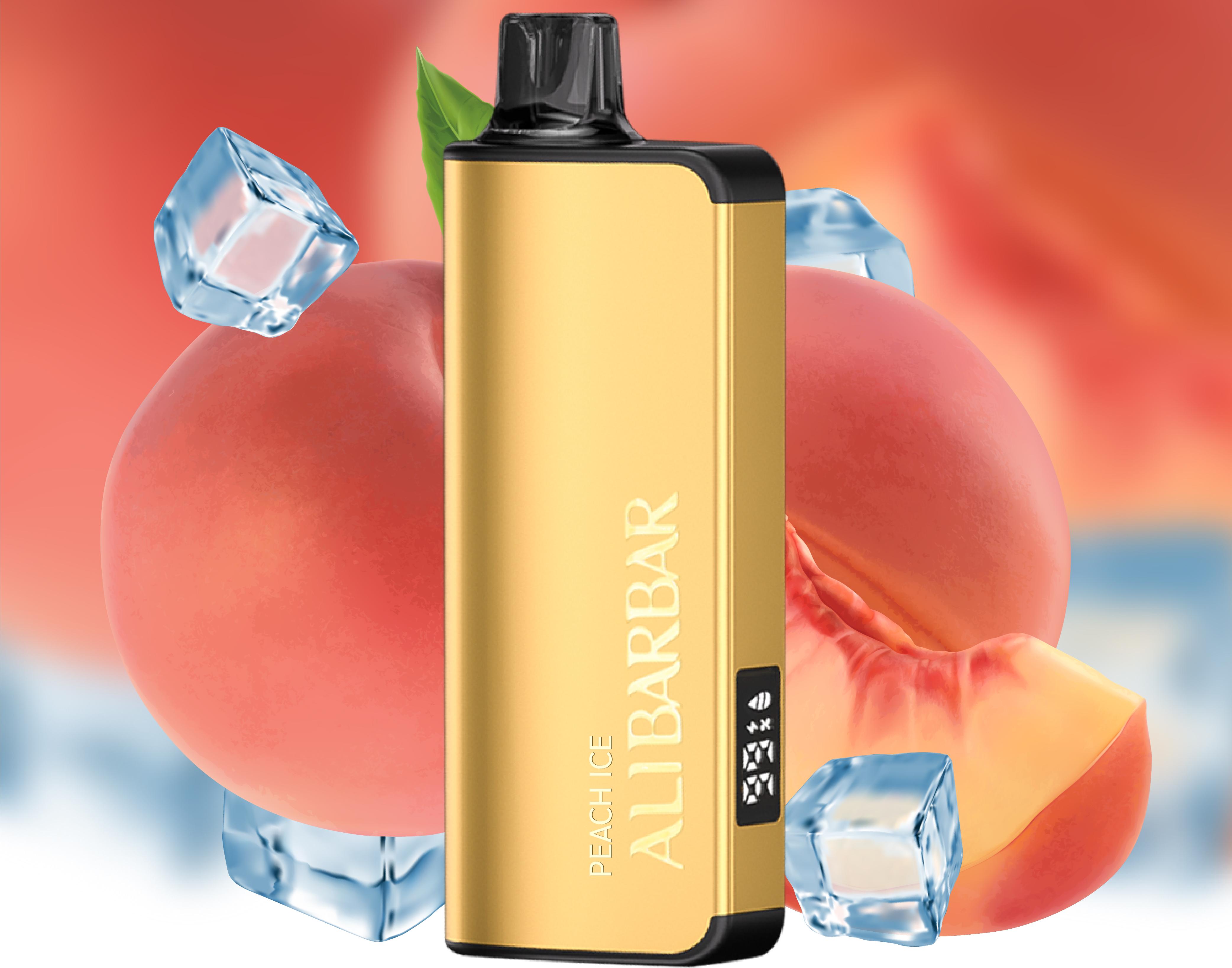
Rechargeable Models: These include the INGOT 9000, INGOT 15000, and Ice Adjust 12000. They have a USB-C port (usually located at the bottom or side of the device).
Non-Rechargeable Models: Some older or smaller-capacity disposables are designed for single use until the battery depletes. They will not have a charging port.
Always check the device packaging or body for indicators of battery capacity and rechargeability.
2. Universal Charging Steps for Rechargeable Models
For rechargeable ALIBARBAR devices like the INGOT or Ice Adjust series, follow these steps:
Step 1: Use the Right Cable.
Use the provided USB-C cable or a high-quality USB-C to USB-A cable. Avoid using fast-charging blocks (like those for modern smartphones) as they can deliver too much current. A standard 5V/1A or 5V/2A USB wall adapter or computer port is ideal.
Step 2: Connect the Device.
Gently insert the USB-C connector into the charging port on your ALIBARBAR vape.
Step 3: Connect to Power Source.
Plug the other end of the cable into your chosen USB power source (wall adapter, power bank, or computer).
Step 4: Monitor the LED Indicator.
Most ALIBARBAR devices have an LED light that indicates charging status:
Light On (Solid or Breathing): The device is actively charging.
Light Off: The device is fully charged. Do not leave it plugged in unnecessarily for extended periods after a full charge.
Step 5: Disconnect and Use.
A full charge typically takes 60-90 minutes. Once the LED indicates completion, disconnect the device. It is now ready for use.
3. Important Safety & Best Practice Tips
Never Use While Charging: For safety, do not use (draw from) the device while it is connected to the charger.
Avoid Extreme Temperatures: Do not charge your device in direct sunlight, in a hot car, or in very cold conditions.
Inspect the Port: Keep the USB-C port clean and free of dust or e-liquid residue. Use a dry cotton swab to clean it if necessary.
Use Original/Quality Cables: Cheap, damaged, or frayed cables can cause improper charging or pose a safety risk.
Store Properly: When not in use or charging, store your device in a cool, dry place away from children and pets.
4. Troubleshooting Common Charging Issues
| Problem | Possible Cause & Solution |
|---|---|
| Device Won’t Charge | 1. Faulty Cable/Adapter: Try a different cable and power source.2. Dirty Charging Port: Gently clean the port with a dry toothpick or swab.3. Battery Depleted: If the battery has been fully drained for a very long time, it may not accept a charge. |
| LED Doesn’t Light Up | The device might already be fully charged. Try using it briefly, then reconnect to the charger to see if the LED activates. |
| Very Slow Charging | You may be using a low-power source (e.g., some computer USB ports). Try a standard wall adapter. |
| Device Gets Warm While Charging | A slight warmth is normal. If it becomes hot, disconnect immediately and let it cool in a safe place. Do not resume charging with that cable/adapter. |
Conclusion
Charging your ALIBARBAR vape is straightforward. The key is using quality accessories and following basic safety guidelines. By properly maintaining your device’s battery, you ensure you get the full, satisfying experience it was designed to deliver.
For authentic ALIBARBAR devices, replacement accessories, and more detailed support, visit the official ALIBARBAR VAPE Australia Store.
Disclaimer: This guide is for educational purposes. Always refer to the official instructions provided with your specific device. Vaping products are intended for adult smokers only.