
ALIBARBAR VAPE News
Alibarbar Ice Adjust How To Use
Aug
Here’s a quick and clear guide on how to use your ALIBARBAR Ice Adjust 12000.
🔹 What Is the Ice Adjust Feature?
The “Ice Adjust” lets you control the cooling intensity of your vape. You can switch between:
Cool Menthol – a strong, icy hit
Mild Chill – a softer, smoother feel
…or anywhere in between, depending on your preference.
🔹 Step-by-Step: Using Your ALIBARBAR Ice Adjust
Unpack the device – Remove it from the box and any protective seals.
Activate the device (if needed)
Most ALIBARBAR devices are draw-activated – simply inhale through the mouthpiece to start vaping.
There is no button to press.
Adjust the ice level
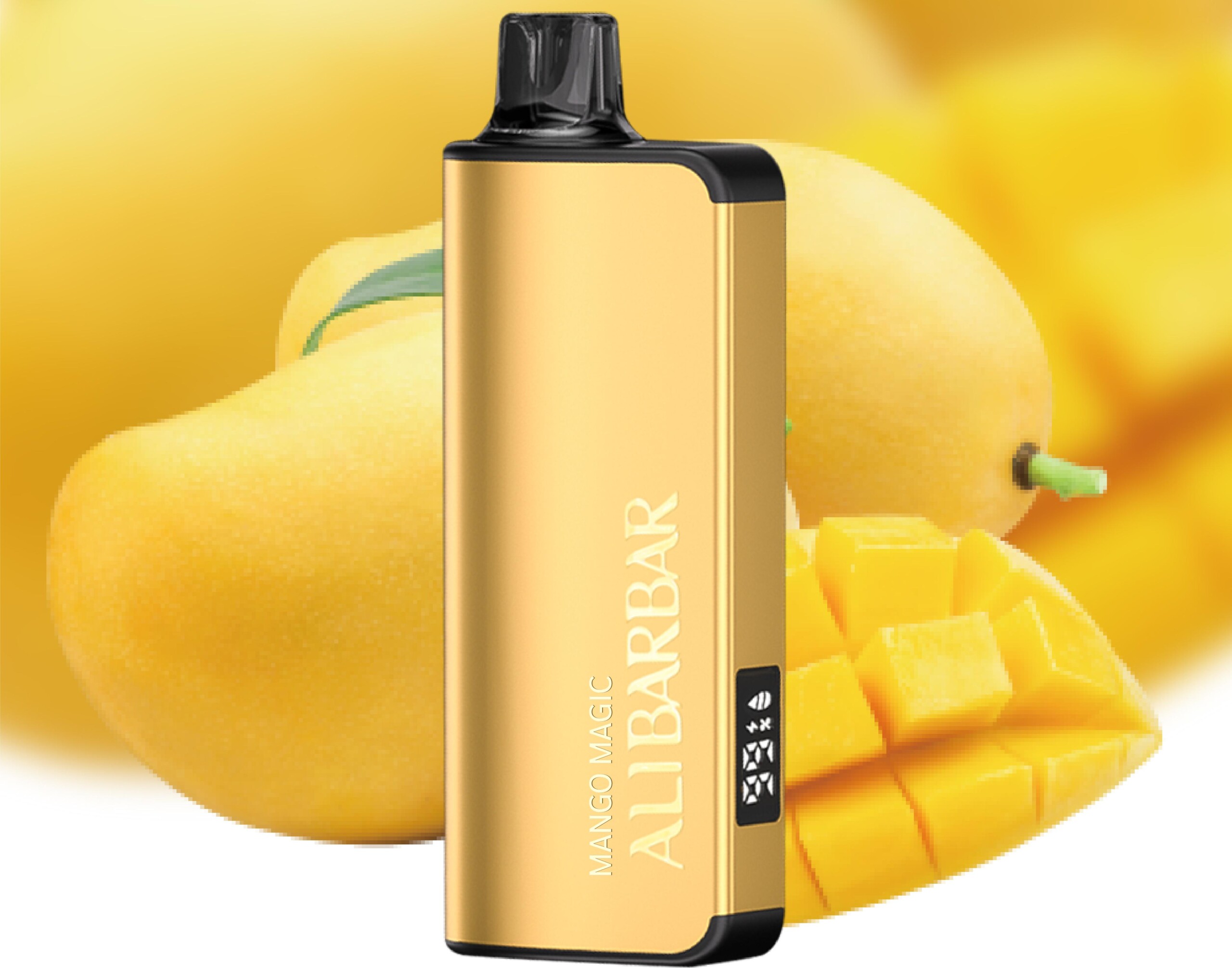
On the bottom (or side) of the device, you’ll find a small slider or dial marked with an ice symbol ❄️.
Slide it towards “MAX” or “+” for maximum cooling.
Slide it towards “MIN” or “-” for less ice/more natural flavour warmth.
Start at the middle and adjust to taste.
Check the e-liquid and battery indicators (if equipped)
Some models have an LED screen or light that shows remaining e-liquid and battery level.
Recharge when needed
The Ice Adjust 12000 is rechargeable via Type‑C USB (cable usually not included).
When the vapour production drops or the LED blinks, plug it in using a standard 5V charger for about 30–45 minutes.
Replace when finished
Once the flavour fades or the puff count is reached (around 12,000 puffs), dispose of the device responsibly according to local e-waste guidelines.
🔹 Quick Tips
Keep the slider in your preferred position – it holds its setting until you change it.
If you’re new to cooling, start low and work up – the maximum ice level can be very intense.
Store upright and away from extreme heat to prevent leaking.
Enjoy your vaping experience! If you have any other questions or want to see the full ALIBARBAR range, feel free to visit the ALIBARBAR VAPE Australia Store.