
ALIBARBAR VAPE News
Alibarbar Vape Charger
Aug
Alibarbar Vape Charger: Everything You Need to Know
If you’ve just picked up an Alibarbar device like the INGOT 9000, INGOT 15000, or Ice Adjust 12000, you might be wondering what kind of charger you need, how to charge it safely, and where to get a reliable one. Below is a straightforward guide based on real-world usage and the official specifications of the Alibarbar range.
What Charger Does an Alibarbar Vape Use?
All rechargeable Alibarbar disposable vapes use a USB-C charging port. This is the same standard used by most modern smartphones, tablets, and laptops, so you likely already have a compatible cable at home. The key points are:
Port type: USB-C
Input rating: Typically 5V/1A (standard USB charging) — the device draws only what it needs.
No charger included in the box: Like many rechargeable disposables, the device itself is sold without a charging cable or wall adapter. You need to supply your own USB-C cable.
Important: Do not use fast-charging plugs (e.g., 20W or higher phone chargers) directly, as they may deliver more current than the device is designed to handle and could potentially damage the battery or cause overheating. A standard 5V USB wall adapter or a laptop USB port is the safest option.
How to Charge Your Alibarbar Device
Charging is simple, but doing it correctly will maximise battery life and flavour delivery.
Locate the USB-C port – it’s usually on the bottom or side of the device, often protected by a small silicone dust cover on models like the Alibarbar INGOT 15000.
Insert the cable gently – you should feel a slight click once it’s seated. Forcing it in the wrong orientation can damage the port.
Plug into a standard USB source – a laptop, power bank, or a 5V/1A wall adapter works best.
Watch for the LED indicator – most Alibarbar devices have a small light that glows while charging and turns off (or changes colour) when fully charged. Charging time is typically 45–90 minutes, depending on the model and remaining battery.
Unplug promptly – avoid leaving the device connected to power overnight. Overcharging isn’t usually a fire risk with modern circuitry, but it can degrade the battery over time.
Pro tip: If you notice a sudden drop in flavour or vapour production, it’s often a sign the battery is low — a quick top-up charge will restore full performance.
Which Alibarbar Models Are Rechargeable?
Nearly all higher-puff-count Alibarbar devices are designed to be recharged, giving you access to every last drop of e-liquid. Here’s a quick reference:
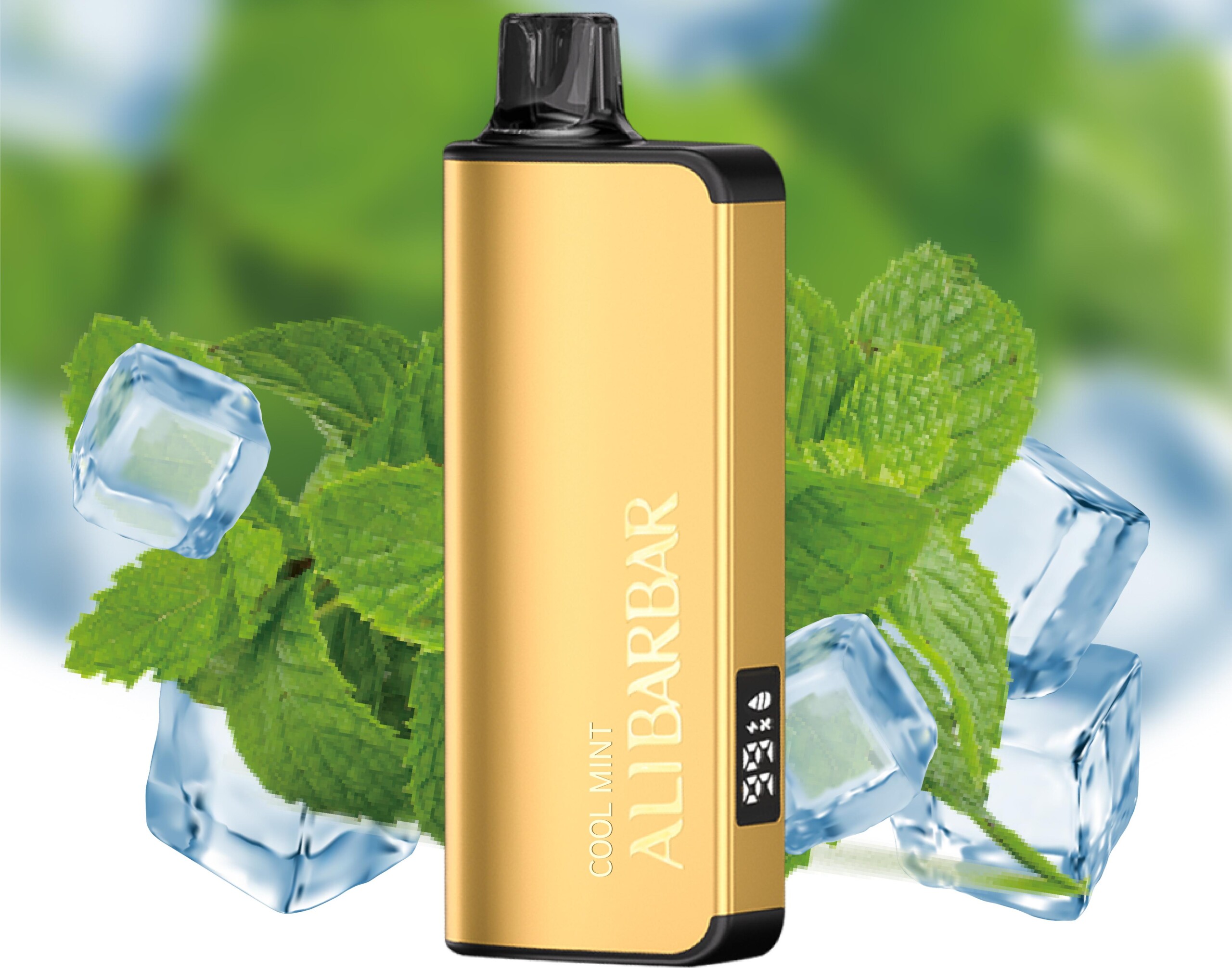
| Model | Puff Count | Rechargeable? | Charging Port |
|---|---|---|---|
| ALIBARBAR INGOT 9000 | 9,000 | Yes | USB-C |
| ALIBARBAR INGOT 15000 | 15,000 | Yes | USB-C (with dust cover) |
| ALIBARBAR Ice Adjust 12000 | 12,000 | Yes | USB-C |
| ALIBARBAR INGOT Mini | 5,000 | Yes | USB-C |
Smaller, one-off disposable models (if any remain in the lineup) may not be rechargeable, but all current flagship devices include the USB-C charging feature.
Common Questions About the Alibarbar Charger
Q: Can I use my iPhone charger?
A: Yes, but only if it’s a standard USB-A to USB-C cable plugged into a 5W or 10W adaptor. Avoid USB-C to USB-C “fast” charging bricks unless they automatically step down to 5V/1A — many don’t, and the device won’t accept the higher current safely.
Q: Does the device come with a charging cable?
A: No. The device is sold as a standalone unit. If you need a cable, any quality USB-C cable will do — you can pick one up at any electronics store or from the ALIBARBAR VAPE Australia Store accessories section (if available).
Q: How do I know when it’s fully charged?
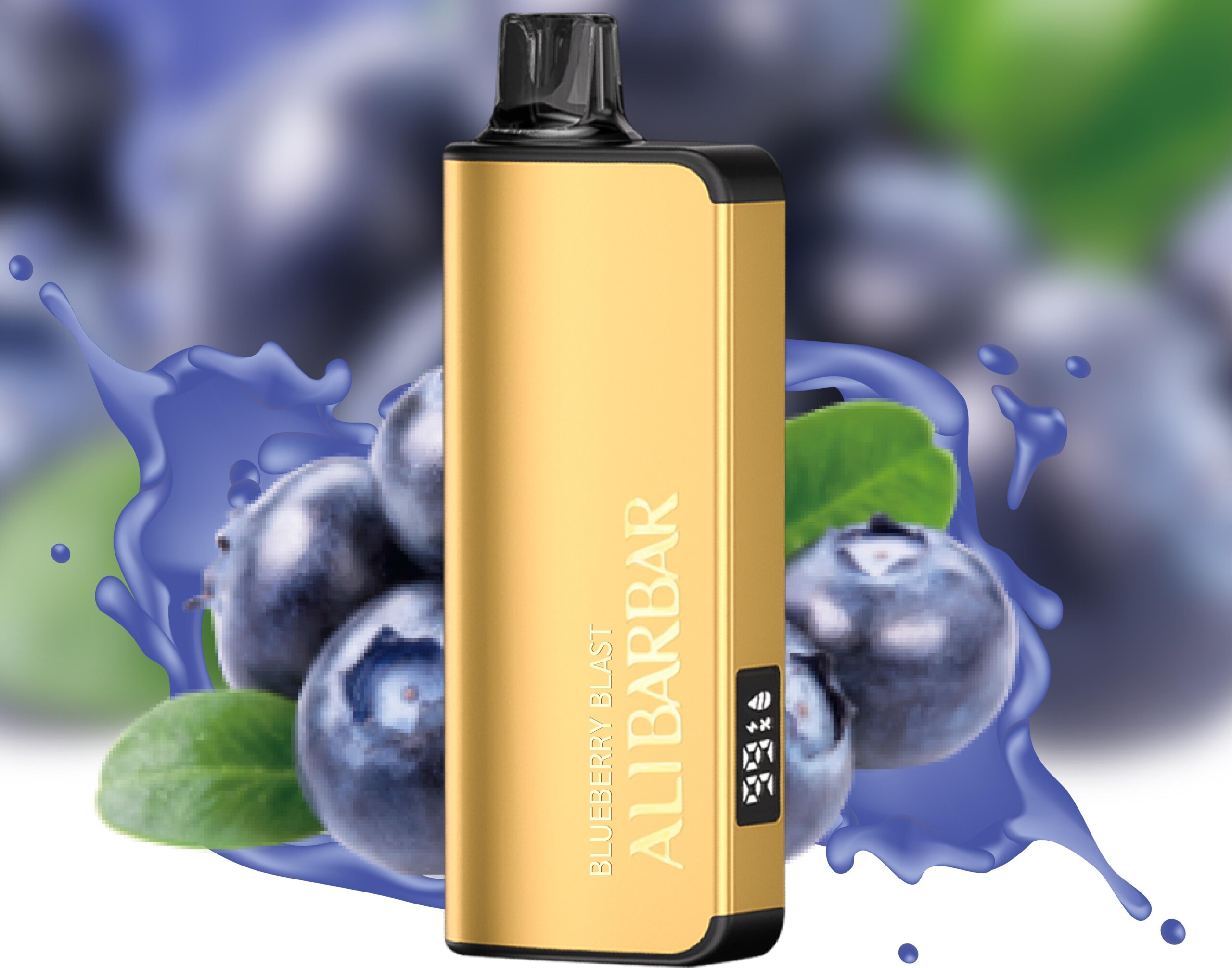
A: The LED indicator on the bottom of the device will turn off or change from red/blue to solid white, depending on the model. The INGOT 15000 smart display even shows a battery percentage, making it foolproof.
Q: Is it safe to charge overnight?
A: While internal safety circuits protect against overcharge, it’s best practice to unplug once charged. Charging while you’re awake and nearby is recommended, just as you would with any lithium-ion device.
Q: What if the port gets dirty or the device won’t charge?
A: Dust and pocket lint can clog the USB-C port. Gently clean it with a dry toothpick or compressed air. If the device still won’t charge, it may be a hardware fault — in that case, contact the retailer (especially if purchased from the ALIBARBAR VAPE Australia Store, which offers after-sales support for genuine products).
Where to Buy Genuine Alibarbar Devices (and Accessories)
To avoid counterfeits that may come with dodgy charging ports or unsafe batteries, always purchase from an authorised retailer. The ALIBARBAR VAPE Australia Store guarantees:
Authentic ALIBARBAR devices with proper USB-C charging circuitry
Local Australian stock with fast delivery (no cheap overseas knockoffs)
Responsive customer service that can help with charger issues or warranty claims
They don’t currently sell branded chargers separately, but any basic USB-C cable you already own works perfectly. For those who prefer a dedicated setup, a simple 5V/1A wall adaptor (often sold as “iPhone charger” or “basic USB plug”) is the ideal pairing.
Final Word on the Alibarbar Vape Charger
The charger situation with Alibarbar is refreshingly simple: just grab your USB-C cable. As long as you stick to a standard 5-volt power source, you’ll get reliable, safe charging every time. The real star is the device itself — the INGOT series especially delivers consistent flavour right down to the last puff, and the rechargeable battery ensures you never waste e-liquid.
If you’re after a new device or need to check the latest charging specs for a particular model, head over to the ALIBARBAR VAPE Australia Store. They also share useful video guides and unboxings on their YouTube channel, which can give you a closer look at the charging port and LED behaviour.
Stay safe, use the right plug, and enjoy your Alibarbar to the fullest.