
ALIBARBAR VAPE News
How Do You Recharge An Alibarbar
Jul
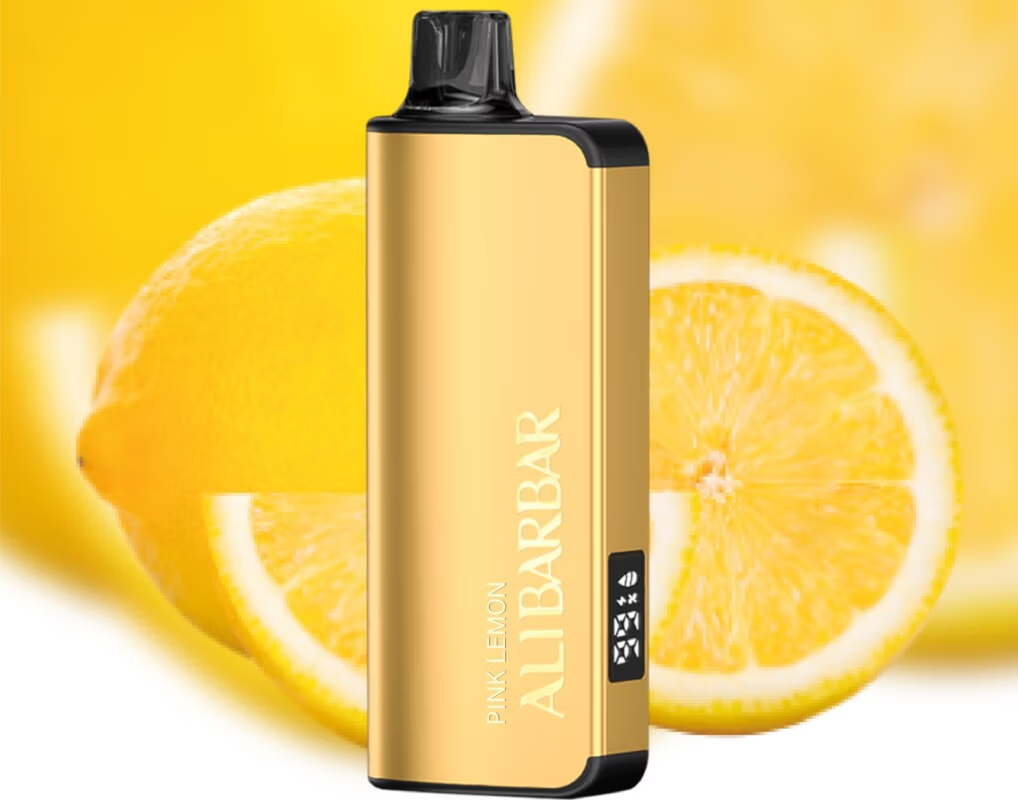
Some Alibarbar devices are designed with a built‑in rechargeable battery, so you can top up the power without throwing the whole unit away before the e‑liquid is finished. Here’s how to identify and recharge the right models.
Which Alibarbar devices are rechargeable?
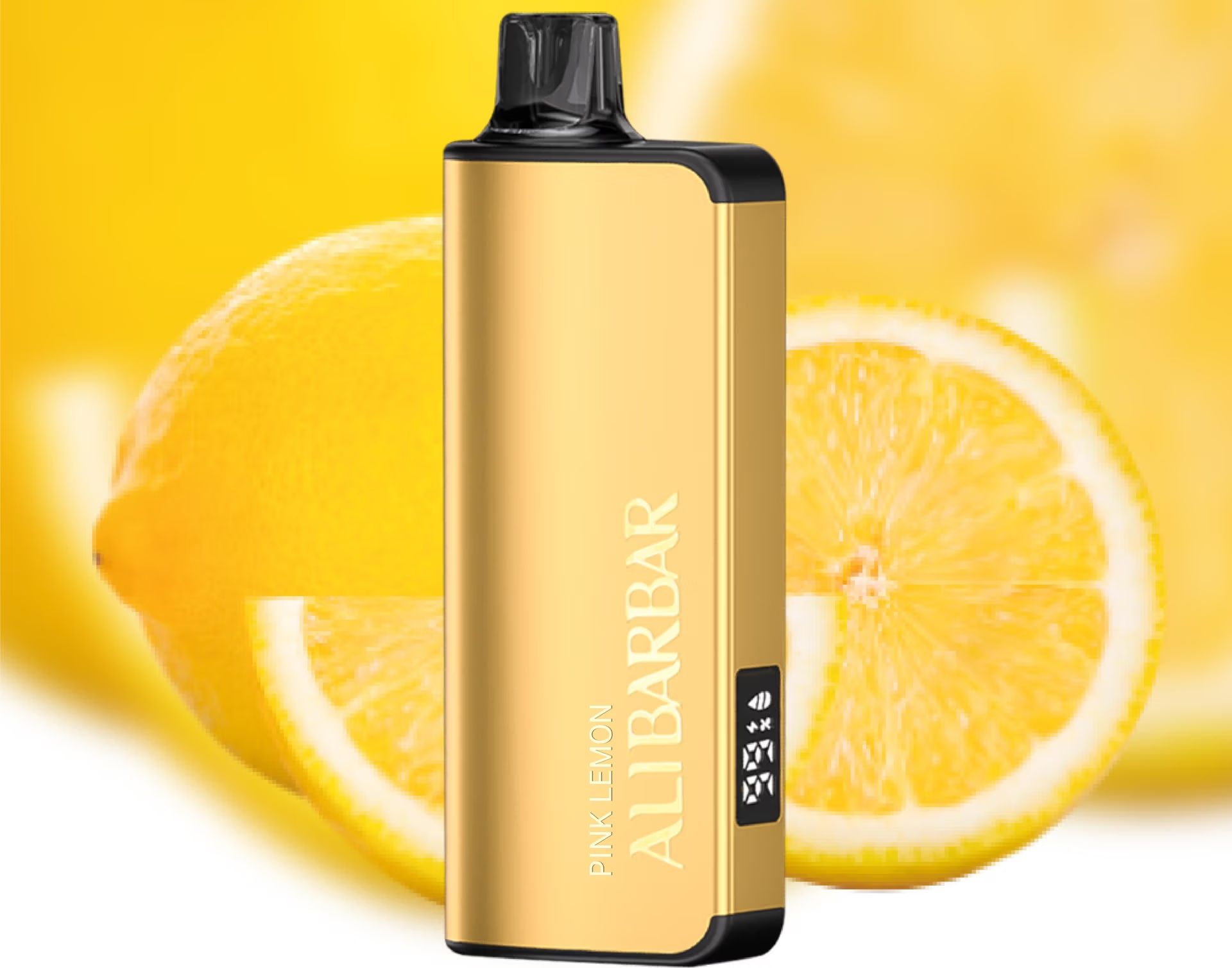
Most high‑capacity Alibarbar devices (typically 9,000 puffs and above) include a rechargeable battery. Common models:
Alibarbar INGOT 9000
Alibarbar INGOT 15000
Alibarbar Ice Adjust 12000
Smaller, compact disposables (e.g. the original “Alibarbar Bar” style) are often single‑use and do not recharge.
Check the bottom or side of your device for a USB‑C port – that’s the quickest way to tell.
How to recharge
Locate the USB‑C port
Usually found on the base or lower side edge of the device.
Use a standard USB‑C cable
Any standard USB‑C cable (like the one that charges modern Android phones) will work. Plug it into a safe power source:
A laptop USB port
A standard 5V USB wall adapter (not a fast‑charging brick if possible – lower current prolongs battery life)
Watch the LED indicator
Most models have a tiny LED that glows or blinks while charging, then shuts off or changes colour (often solid green/white) when fully topped up. A full charge typically takes 30–60 minutes, depending on the device size.
Disconnect when complete
Avoid leaving the device plugged in overnight; remove it once the indicator shows it’s full to protect battery health.
Safety tips
Only use a certified cable and adapter.
Do not charge in extremely hot environments (e.g. a closed car in summer).
If the device gets unusually hot during charging, unplug it immediately and let it cool down before reuse.
Never attempt to recharge a non‑rechargeable disposable – it can be dangerous.
If you’re unsure whether your specific Alibarbar model supports recharging, check the packaging or the device’s base for a USB‑C port. Still have a question? You can visit the official ALIBARBAR VAPE Australia Store for more detailed product specifications and support.