
ALIBARBAR VAPE News
How To Reset An Alibarbar Vape
May
If your Alibarbar vape isn’t hitting or seems to be malfunctioning, “resetting” it usually means troubleshooting rather than pressing a physical reset button—because these devices are mostly draw-activated and don’t have screens or reset pins. Here’s how to get it working again:
1. Disconnect and Reconnect the Pod (if applicable)
Some Alibarbar models have a removable pod (like the INGOT series). Remove the pod, wait 10 seconds, then firmly reattach it. This can resync the connection between the coil and battery.
2. Clean the Contacts
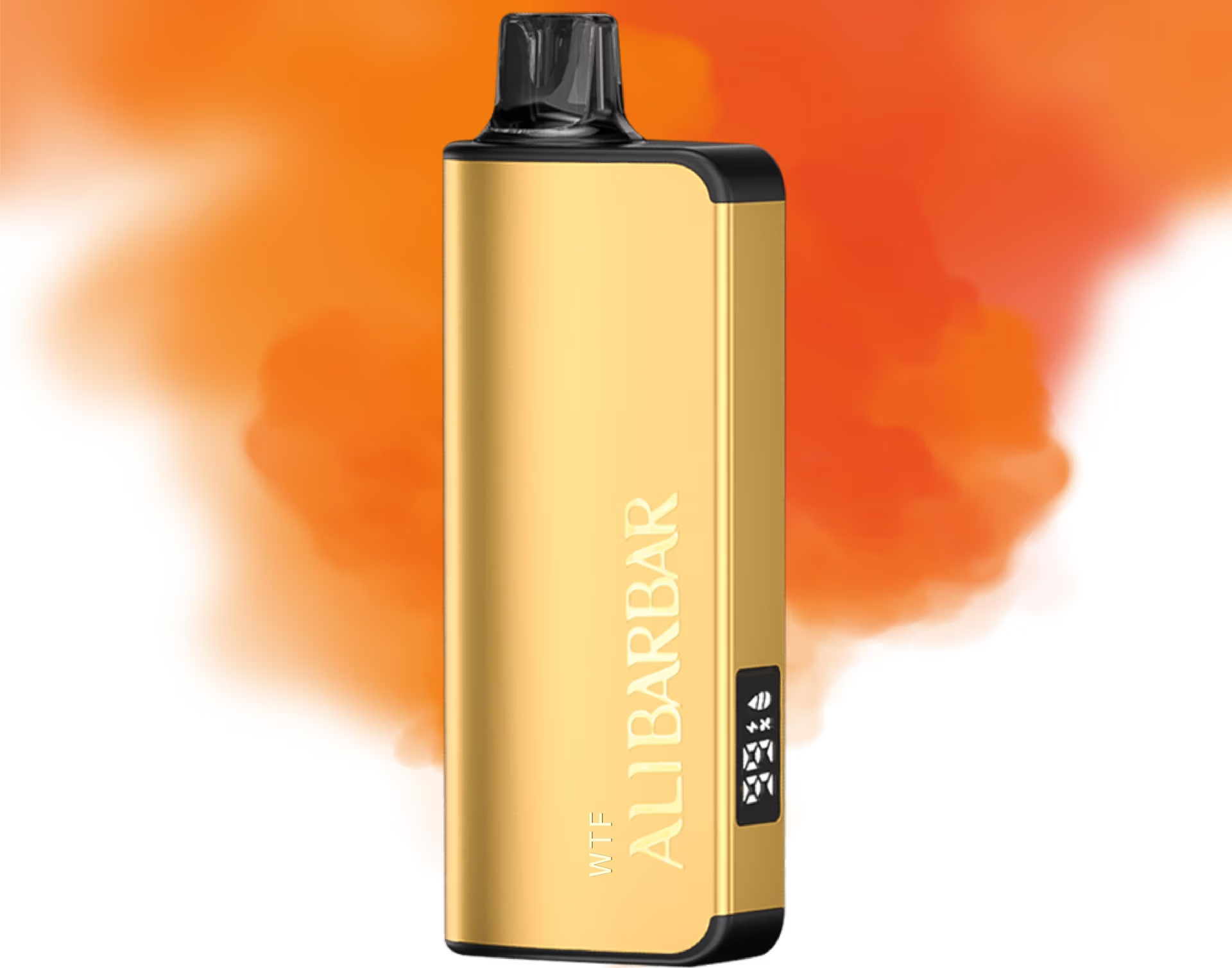
Dirt or e-liquid on the gold contact pins can stop the device from firing. Use a dry cotton bud or tissue to gently clean the contacts on both the device and the pod.
3. Clear the Airflow
Take a few strong, dry pulls (without activating the device) to clear any condensation or minor blockage in the airflow sensor. Then try a normal puff.
4. Charge It Fully
If the battery is low, the device may blink and not fire. Connect to a standard USB-C charger (no fast chargers) and let it charge until the light turns off or solid. Overheating during charging can cause temporary shutdowns—let it cool down.
5. Hard “Reboot” (Power Cycle)
Although there’s no power button, connecting and disconnecting the charger several times quickly can sometimes reset the internal circuit. Plug in, wait 3 seconds, unplug, repeat 3 times, then try again.
6. Check for Leaks
If e-liquid has leaked into the battery area, it can short the device. Gently blow into the charging port (with the pod removed) to clear moisture, or leave it upright in a warm, dry place for an hour.
If none of these work and the device is within warranty, contact ALIBARBAR VAPE Australia Store support for replacement options. Avoid disassembling the device—there are no user-serviceable parts inside.
Still stuck? Describe the light pattern (blinking, solid, no light) and I can narrow it down.