
ALIBARBAR VAPE News
Alibarbar Vape 9000 Puffs How To Charge

May
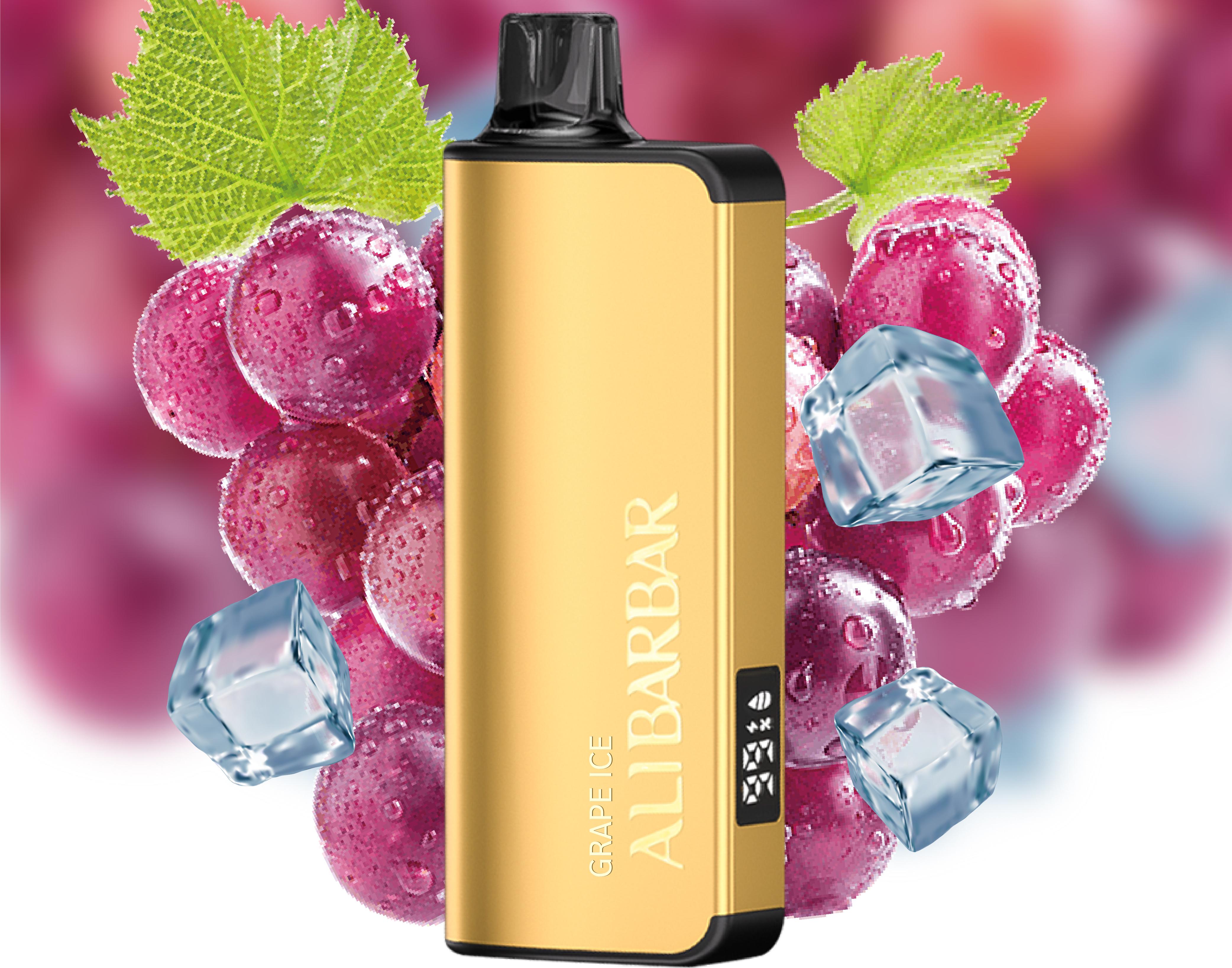
The ALIBARBAR INGOT 9000 is a popular, high-capacity disposable device designed for extended use. A key feature that sets it apart from many non-rechargeable disposables is its integrated, rechargeable battery, allowing you to use the full capacity before disposal.
Here is a simple, step-by-step guide on how to safely and correctly charge your device.
Step-by-Step Charging Instructions
Locate the Charging Port: On the bottom of your ALIBARBAR INGOT 9000 device, you will find a small, sealed port. This is a USB-C charging port, which is now the standard for most modern electronics due to its convenience and reversible design.
Use the Correct Cable: Always use a standard USB-A to USB-C cable or a USB-C to USB-C cable. It is recommended to use the cable provided with your purchase from an authorised retailer like ALIBARBAR VAPE Australia Store. Avoid using fast-charging blocks from premium smartphones, as they may deliver too much power.
Connect to a Power Source: Plug the USB-A end into a low-power source, such as:
A computer/laptop USB port.
A standard USB wall adapter (5V/1A or 5V/2A is ideal).
A power bank.
Safety Tip: Do not use the device while it is charging.
Monitor the LED Indicator: Once connected, an LED light near the charging port or on the body of the device will illuminate. Typically:
Red Light: Indicates the device is actively charging.
Green Light (or Light Off): Indicates charging is complete and the battery is full.
Disconnect When Full: A full charge typically takes 60-90 minutes. Do not leave the device charging unattended for extended periods (e.g., overnight). Once the indicator shows a full charge, disconnect the cable.
Important Safety & Care Tips
First Charge: When you first receive your device, it’s a good practice to give it a full charge before initial use to ensure optimal battery performance.
Avoid Overcharging: While the device has built-in protection circuits, it’s best practice to unplug it once fully charged to preserve long-term battery health.
Use Quality Cables: Damaged or poor-quality cables can cause charging issues or pose a safety risk.
Keep Port Clean & Dry: Ensure the charging port is free of dust, lint, or e-liquid before plugging in the cable. Never charge a wet device.
Charge on a Safe Surface: Place the device on a non-flammable, stable surface while charging, away from bedding, curtains, or other flammable materials.
Troubleshooting Common Issues
Device Won’t Charge: Ensure you are using a working cable and power source. Try a different cable or USB port. Gently clean the charging port with a dry cotton swab.
Charging is Very Slow: This is often caused by a low-power USB port or a damaged cable. Switch to a different power source and cable.
No LED Indicator During Charge: The battery may be fully charged, or there could be a connection issue. Check the cable and port for debris. If the device still doesn’t produce vapour after a charging period, it may have reached the end of its total capacity.
Note: The ALIBARBAR INGOT 9000 is a disposable device. The battery is not user-replaceable. When the device no longer holds a charge or produces vapour (after fully utilizing its advertised puff capacity), it should be disposed of responsibly according to your local electronics waste regulations.
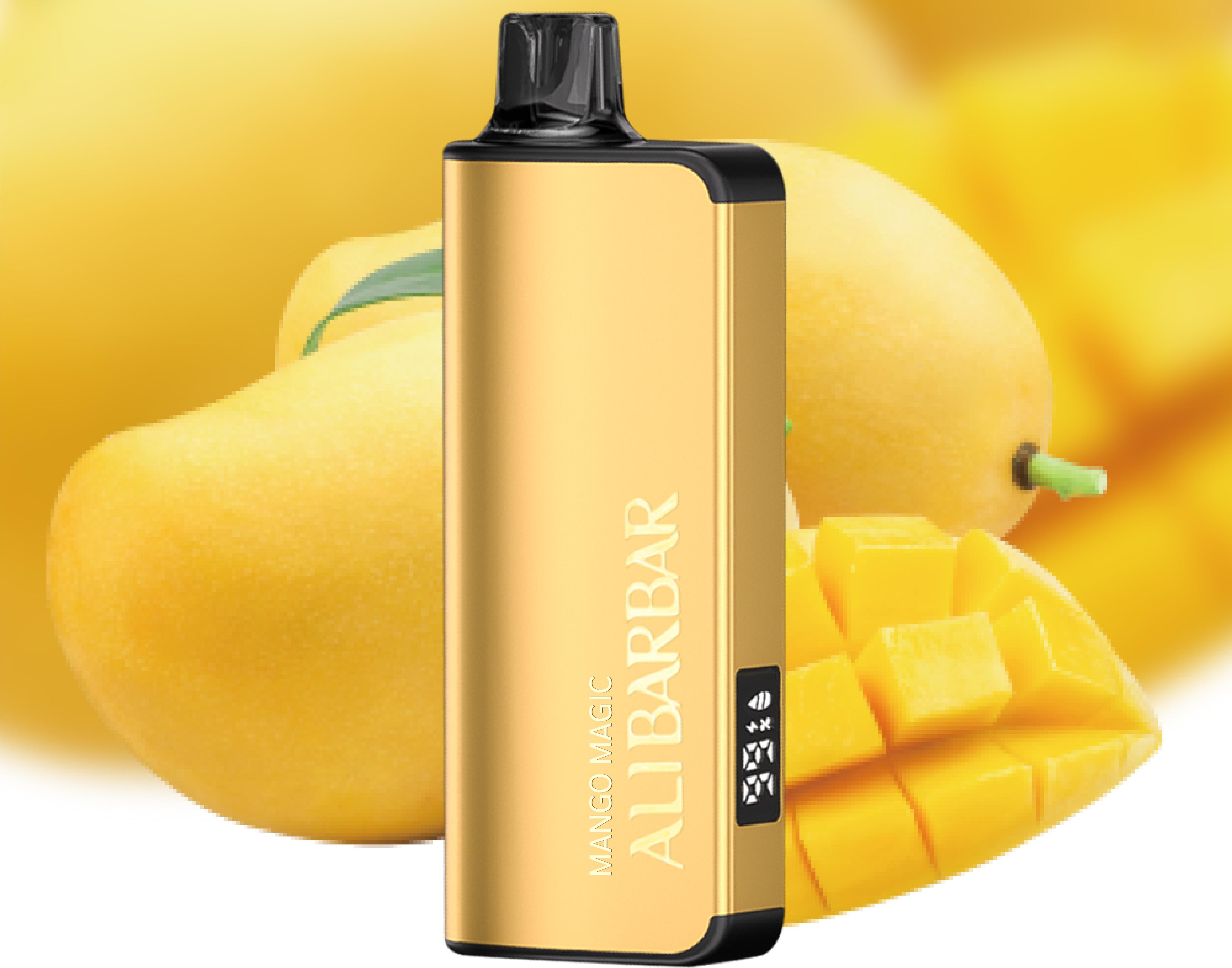
For authentic ALIBARBAR products and accessories, always purchase from the official ALIBARBAR VAPE Australia Store.