
ALIBARBAR VAPE News
How To Recharge Alibarbar Vape Ingot 9000

May
The ALIBARBAR INGOT 9000 is designed for convenience, featuring a built-in rechargeable battery to ensure you get the full use of its generous capacity. Recharging it is a simple process, but following the correct steps is key to maintaining the device’s performance and longevity.
Here is a clear, step-by-step guide on how to safely recharge your ALIBARBAR INGOT 9000.
What You’ll Need:
Your ALIBARBAR INGOT 9000 device.
A standard USB Type-C cable (included with your purchase from authorised retailers like ALIBARBAR VAPE Australia Store).
A low-power USB power source, such as:
A computer USB port
A USB wall adapter (5V/1A or 5V/2A is ideal)
A portable power bank
Step-by-Step Charging Instructions
Step 1: Locate the Charging Port
Find the USB Type-C port on the bottom end of your ALIBARBAR INGOT 9000 device. It will be clearly marked and is the only port on the device.
Step 2: Connect the Cable
Take your USB Type-C cable and gently insert it into the charging port. Ensure the connection is secure but do not force it.
Step 3: Connect to Power Source
Plug the other end of the USB cable into your chosen low-power source (e.g., laptop, wall adapter).
Step 4: Monitor the Charging Indicator
Once connected, the LED indicator light on the front of the INGOT 9000 will activate:
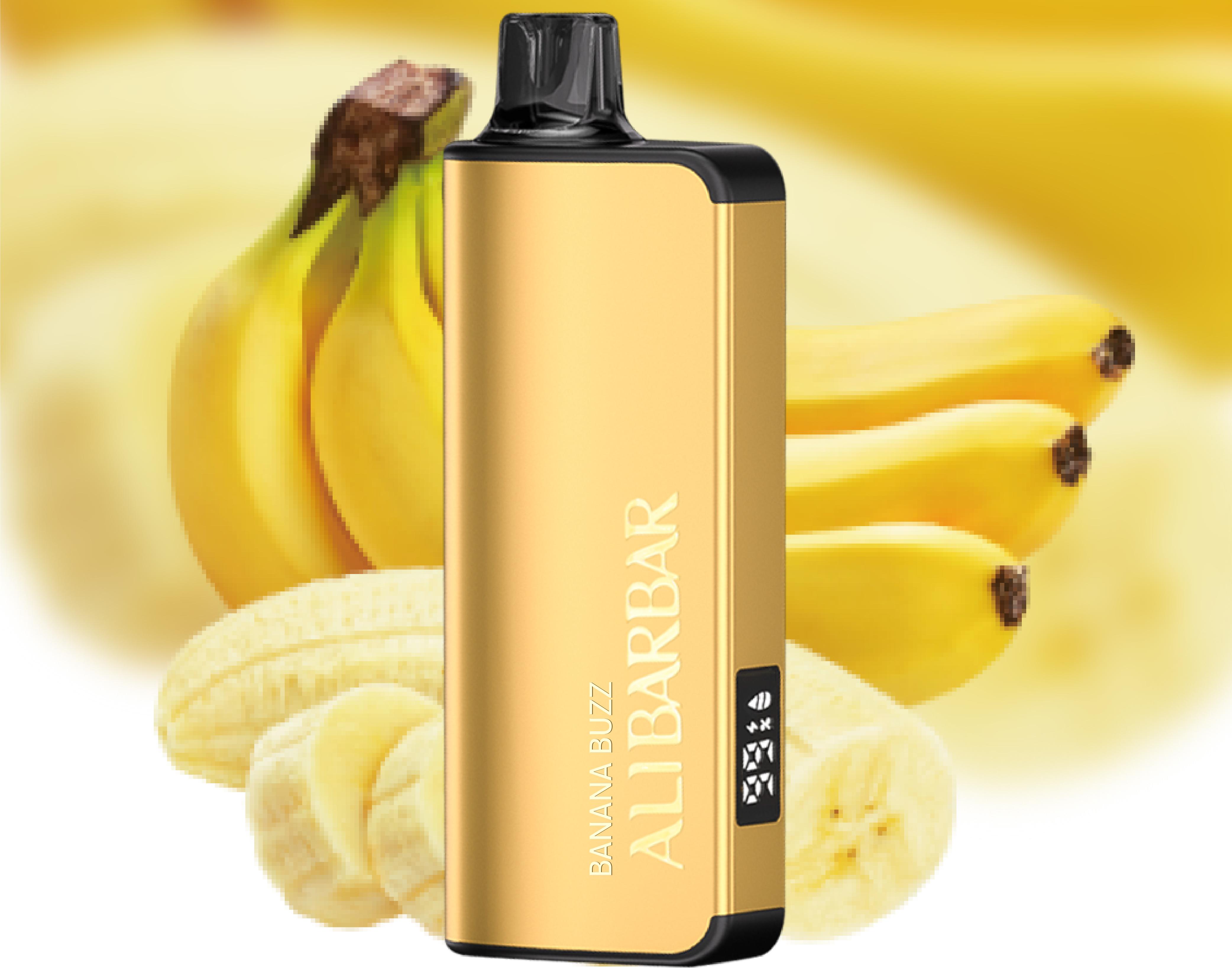
It will typically glow red or white to indicate charging is in progress.
The light will turn off or change to a solid green/blue once the battery is fully charged.
Step 5: Disconnect When Fully Charged
A full charge typically takes approximately 60-90 minutes. It is recommended to disconnect the device once the indicator shows a full charge to preserve battery health. Avoid leaving it plugged in overnight or for excessively long periods.
Step 6: Enjoy Your Device
Once disconnected, your ALIBARBAR INGOT 9000 is ready for use. The integrated battery is designed to last for the entire lifespan of the device.
Important Safety & Best Practice Tips
Use the Correct Cable: Always use the provided or a high-quality USB Type-C cable. Using damaged or incompatible cables can affect charging.
Choose a Safe Power Source: Avoid using fast chargers or high-voltage adapters (like those for tablets). A standard 5W phone charger or computer port is safest.
Do Not Use While Charging: For safety and to ensure proper charging, it is best not to use the device while it is connected to power.
Check for Authenticity: To guarantee your device has the correct safety protections, always purchase from authorised sources like ALIBARBAR VAPE Australia Store. Counterfeit products may not charge correctly or safely.
Environment Matters: Charge your device in a cool, dry place away from direct sunlight or liquids.
Troubleshooting Common Questions
Q: Is my ALIBARBAR INGOT 9000 rechargeable?
A: Yes. The INGOT 9000 model comes with a built-in rechargeable battery, allowing you to recharge it multiple times throughout its use.
Q: The LED light isn’t coming on when I plug it in. What should I do?
A: First, try a different USB cable and power source. Ensure the connections are clean and free of debris. If the issue persists, the device may have reached the end of its natural lifespan, or there could be a fault. For devices purchased from our store, you can contact customer support.
Q: How many times can I recharge it?
A: The device is designed to be recharged as needed throughout its single-use lifespan. The battery is integrated and not user-replaceable.
Q: Where can I buy a genuine ALIBARBAR INGOT 9000 and accessories?
A: For guaranteed authentic products, the correct charging cable, and reliable customer support, visit the official ALIBARBAR VAPE Australia Store.
By following this guide, you can ensure a safe and efficient charging process, getting the most out of your ALIBARBAR INGOT 9000 experience. For more detailed information on this and other products in the ALIBARBAR range, explore the full collection at the official store.