
ALIBARBAR VAPE News
How To Recharge An Alibarbar Vape

May
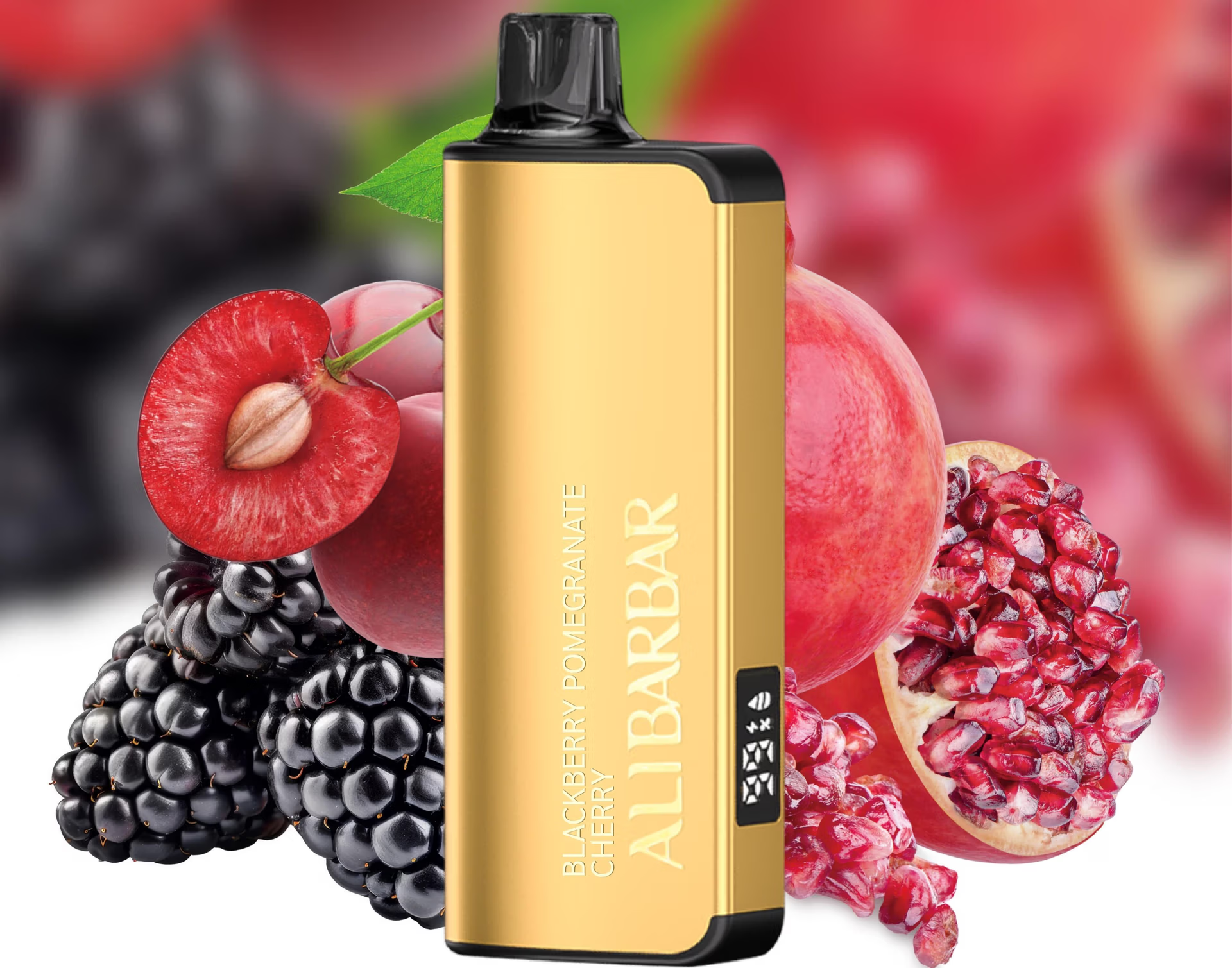
While many disposable vapes are designed for single use, several popular ALIBARBAR models feature integrated rechargeable batteries, allowing you to enjoy the full device capacity before disposal. Knowing how to properly recharge your device is key to safety, performance, and longevity.

This guide will walk you through identifying rechargeable models, the correct charging process, and essential safety tips.
Step 1: Identify If Your ALIBARBAR Model is Rechargeable
Not all disposable vapes are created equal. ALIBARBAR clearly designates its rechargeable models. Look for the following:
A USB-C Charging Port: This is the most obvious indicator. Carefully inspect the bottom or side of your device for a small, covered USB-C port.
Model Name: The following ALIBARBAR series are typically rechargeable:
ALIBARBAR INGOT 9000
ALIBARBAR INGOT 15000
ALIBARBAR Ice Adjust 12000 (features adjustable airflow as well)
Packaging: The box or product description from ALIBARBAR VAPE Australia Store will explicitly state “Rechargeable” if applicable.
If your device has no visible charging port, it is a non-rechargeable disposable and should be responsibly recycled once depleted.
Step 2: The Correct Charging Process
Once you’ve confirmed your device is rechargeable, follow these steps:
Locate the Port: Find the USB-C charging port on your device. It may have a small rubber or silicone plug to keep dust out.
Use the Right Cable: Always use a standard USB-A to USB-C or USB-C to USB-C cable. We recommend using the cable that came with your phone or tablet. Avoid using fast chargers or charging blocks from high-wattage devices (like modern gaming laptops), as these can generate excessive heat.
Connect to a Power Source: Plug the USB end into a low-power source. The safest options are:
A computer USB port.
A standard 5V/1A or 5V/2A USB wall adapter (like an old phone charger).
A portable power bank.
Monitor the Indicator: Most ALIBARBAR devices have an LED indicator near the mouthpiece or button. It will typically:
Light Up or Flash when connected, showing it’s charging.
Change Colour or Turn Off when fully charged (e.g., red while charging, green or off when complete).
Disconnect Promptly: Once the indicator shows a full charge, disconnect the device. Do not leave it charging unattended for extended periods, especially overnight.
Essential Safety & Performance Tips
Never Use While Charging: For safety, do not puff on the device while it is plugged in.
Avoid Extreme Temperatures: Charge your device at room temperature. Do not charge it in direct sunlight, in a hot car, or on soft surfaces like beds or sofas that can trap heat.
Inspect the Cable and Port: Before connecting, ensure the charging port is free of e-liquid residue or debris. A clean, dry connection is crucial. If you suspect liquid has entered the port, allow it to dry completely before attempting to charge.
What to Do If It Doesn’t Charge: If your rechargeable device shows no sign of life when plugged in:
Try a different USB cable and power source.
Ensure the port is clean and dry.
If problems persist, the battery may have reached its end of life. Contact the retailer you purchased it from for advice.
Frequently Asked Questions (FAQ)
Q: How long does it take to fully charge an ALIBARBAR vape?
A: Charging time varies by model and battery capacity, but it typically takes between 30 to 60 minutes for a full charge from empty.
Q: Can I use any USB-C fast charger?
A: It is not recommended. Stick to standard, low-output (5V/1A or 2A) chargers to prevent potential battery damage or overheating.
Q: How many times can I recharge my ALIBARBAR?
A: The internal battery is designed to be recharged enough times to fully utilise the device’s pre-filled capacity. It is not intended for indefinite recharging over months. Once the device is depleted, it should be recycled.
Q: Where can I find more information or visual guidance?
A: For authentic product information and tutorials, you can visit the official ALIBARBAR VAPE Australia Store or check out their official channel on YouTube for potential demonstration videos.
Q: My device is getting very hot while charging. What should I do?
A: Disconnect it immediately and place it in a safe, non-flammable area to cool down. Do not resume charging with that cable or power source. A slight warmth is normal, but excessive heat is a sign of a fault.
By following this guide, you can ensure you get the complete, satisfying experience from your rechargeable ALIBARBAR device while prioritising safety. Always purchase from authorised retailers like ALIBARBAR VAPE Australia Store to guarantee you receive a genuine product built to these specifications.