
ALIBARBAR VAPE News
Alibarbar Vape Fl On Screen Replacement
Apr
For users of ALIBARBAR devices featuring adjustable settings or display screens, such as the Ice Adjust 12000 model, understanding the functionality and what to do in case of a screen issue is important. This guide provides clear, practical information on screen-related features and the recommended steps for support.
The Role of the Screen in ALIBARBAR Devices
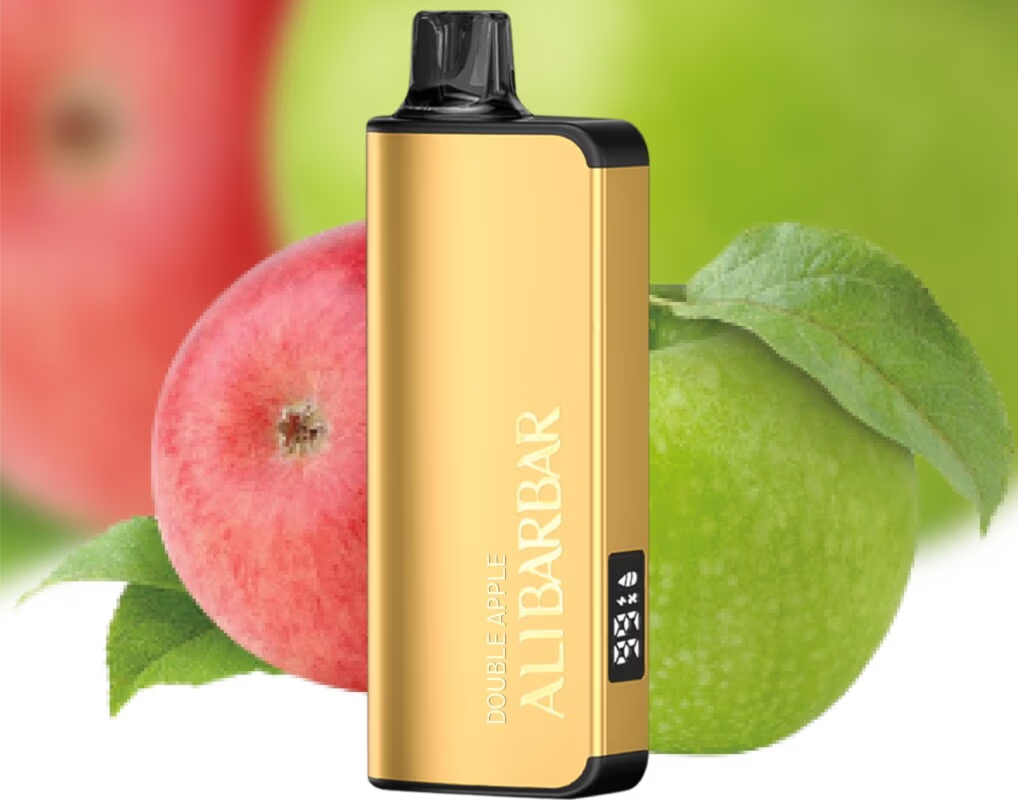
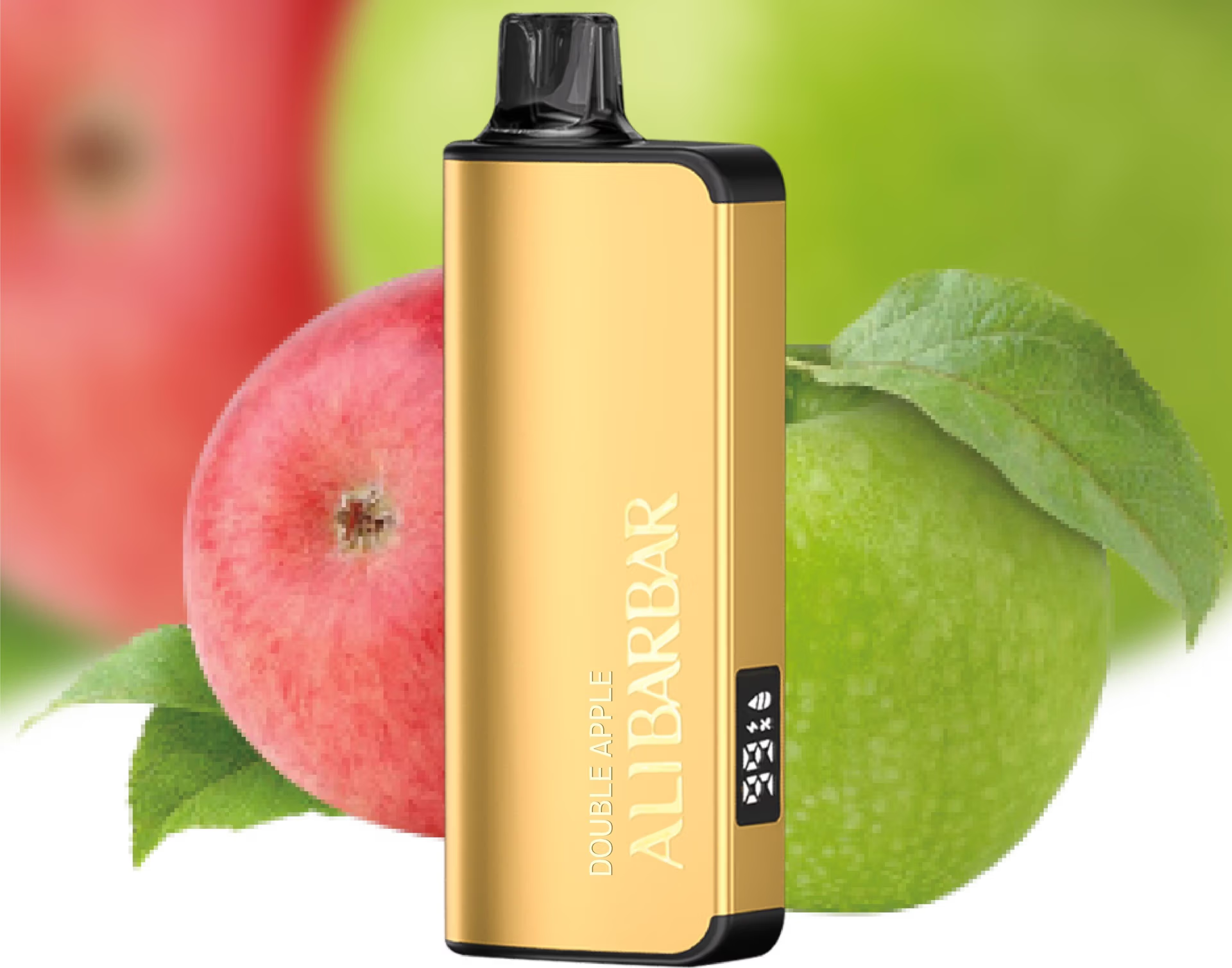
Certain advanced ALIBARBAR models incorporate a small display or indicator screen. This feature is designed to enhance user control and provide essential device information at a glance. Its primary functions typically include:
Adjustment Level Indicator: Showing the current intensity setting (e.g., Ice level from 1 to 5).
Battery Status: Providing a visual representation of the remaining battery charge.
Puff Counter (on select models): Tracking the approximate number of uses.
This screen is an integrated component of the device’s circuit board and is not designed as a user-replaceable part.
Common Screen-Related Queries and Solutions
If you are experiencing an issue with your device’s screen, here are the most common scenarios and how to address them.
1. Screen is Unresponsive or Blank:
First Step: Ensure the device is charged. Connect it to a USB-C charger using the provided cable or a reputable brand cable. A completely depleted battery will result in a blank screen.
Check for Activation: Some devices have a safety seal or require an initial puff to “wake” the system. Remove all packaging and try using the device.
Gentle Reset: While not always applicable, disconnecting from the charger and leaving the device for a few minutes can sometimes reset the internal chip.
2. Screen is Dim or Difficult to Read:
This can sometimes be related to the viewing angle or ambient light. Try viewing it directly head-on in adequate lighting.
3. Screen Shows an Error Symbol or Unexpected Reading:

Note what is displayed. This is valuable information for customer support.
Cease use if the device is not functioning normally alongside the screen error.
Important Notice on Replacement and Repair
It is critical to understand that ALIBARBAR disposable devices are integrated, sealed units. The screen, battery, and other internal components are not accessible or replaceable through standard user maintenance. Attempting to open or repair the device yourself will:
Invalidate any applicable warranty.
Potentially damage the device beyond use.
Compromise the safety and integrity of the product.
The Recommended Path: Leveraging ALIBARBAR VAPE Australia Store Support
The correct and safest course of action for any hardware malfunction, including a non-functional screen, is to contact the official retailer from which you purchased the device.
For devices purchased from ALIBARBAR VAPE Australia Store:
Gather Information: Have your order number and details about the issue ready.
Contact Support: Reach out through the official support channels on their website. Their customer service team is familiar with product specifications and common issues.
Warranty & Authenticity: Purchasing from the official store ensures your device is authentic and covered by their support policies. They can advise on potential replacements under warranty or provide guidance specific to your batch and model.
How to Ensure Optimal Device Longevity
To minimise the risk of any electronic issues:
Purchase from Authorised Retailers: Always buy from trusted sources like ALIBARBAR VAPE Australia Store to guarantee product authenticity and quality.
Use Proper Charging Equipment: Charge your rechargeable disposable device with the cable provided or a quality USB-C cable connected to a standard 5V/1A charger (like a computer port or low-power adaptor).
Store Correctly: Avoid extreme heat (like a car dashboard in summer) or cold, and protect the device from excessive moisture.
Final Recommendation
If the screen on your ALIBARBAR device fails and basic troubleshooting (like charging) does not resolve it, the device itself likely requires replacement. Do not attempt a DIY fix. Instead, use this as an opportunity to engage with the professional support offered by your retailer.
For authentic products and dedicated local support, Australian vapers can explore the full range and contact the team at ALIBARBAR VAPE Australia Store{:target=”_blank”}. For visual reviews and community discussions, you can also find insights on platforms like their official YouTube channel{:target=”_blank”}.