ALIBARBAR VAPE News
How Do You Charge A Alibarbar Vape
Apr
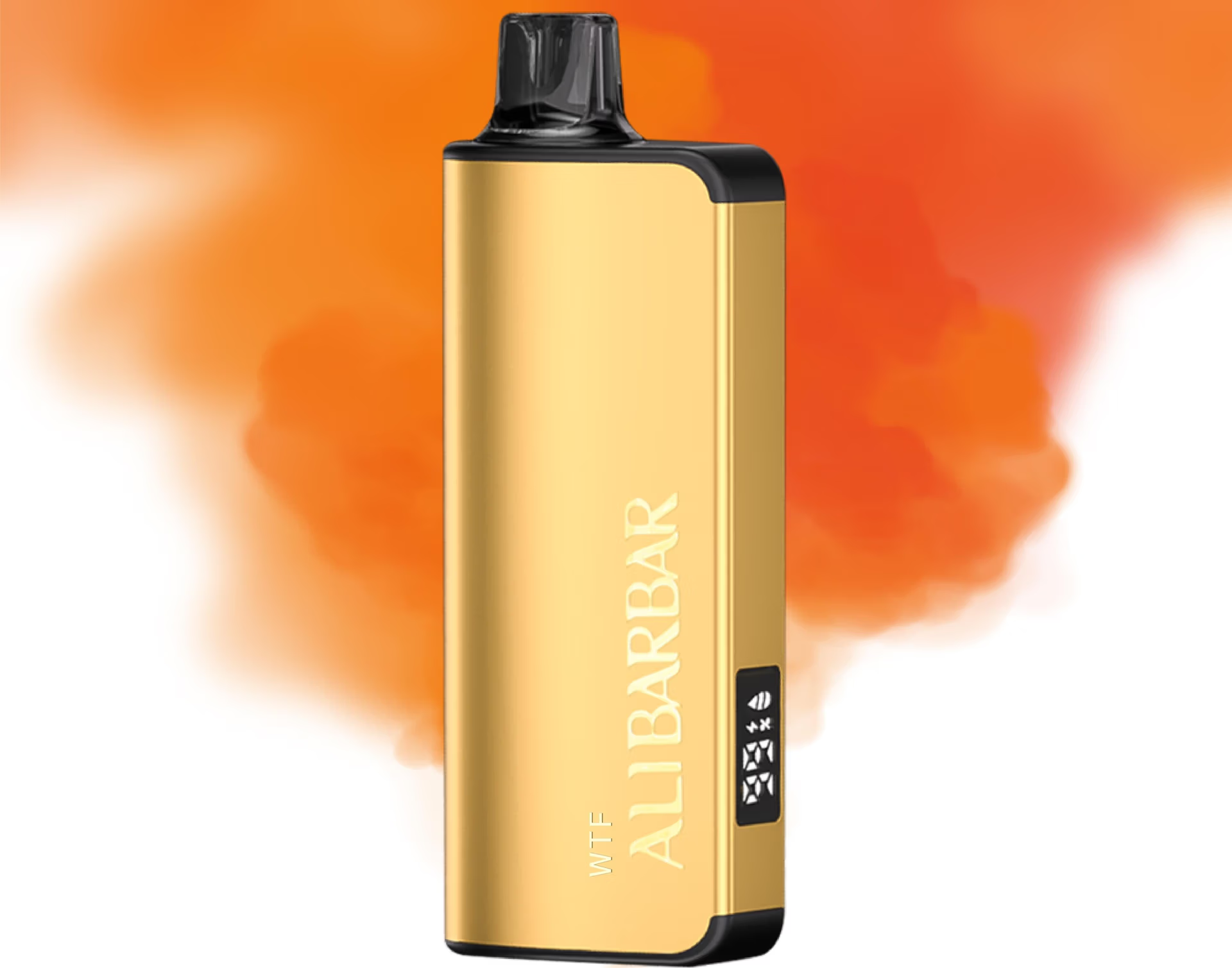
Charging your ALIBARBAR disposable vape is a straightforward process designed for user convenience. Most modern ALIBARBAR models, like the INGOT 15000 and Ice Adjust 12000, come with a built-in rechargeable battery, allowing you to use the full capacity of the device.
Here is the correct and safe way to charge your ALIBARBAR device.
Step 1: Identify the Charging Port
Locate the charging port on your ALIBARBAR device. It is almost always a USB-C port located on the bottom or side of the device. ALIBARBAR uses USB-C as the standard for faster, more reliable charging.
Step 2: Use the Correct Cable
Use the provided USB-C charging cable (often included with higher-capacity models) or any standard USB-A to USB-C cable or USB-C to USB-C cable.
Step 3: Connect to a Power Source
Plug the USB-C end into your ALIBARBAR’s charging port.
Connect the other end (USB-A or USB-C) to a low-power source. We recommend:
A computer/laptop USB port.
A USB wall adapter with a standard 5V/1A or 5V/2A output.
A power bank.
Important Safety Note: Avoid using fast-charging phone adapters (e.g., those marked 20W+), as they can deliver too much current and potentially damage the device’s battery.
Step 4: Monitor the Charging Indicator
While charging, an LED indicator light on the device will typically illuminate (often red or white). This light will usually turn off or change colour (e.g., to blue or green) once charging is complete.
Light On (Red/White): Charging in progress.
Light Off/Changes Colour: Charging is complete.
A full charge usually takes 60 to 90 minutes. We recommend not leaving the device plugged in for extended periods after it is fully charged.
Step 5: Disconnect and Use
Once the indicator shows a full charge, simply disconnect the cable. Your ALIBARBAR is now ready to use again until the capacity is depleted.
Key Tips & Safety Advice
Use the Right Equipment: Always use a cable in good condition. While any quality USB-C cable will work, using the one provided is optimal.
Supervise Charging: Don’t leave your device charging unattended or overnight. Unplug it once fully charged.
Charge in a Safe Place: Charge on a non-flammable surface, away from direct sunlight, extreme heat, or moisture.
Check for Damage: If the device, cable, or port appears damaged, do not attempt to charge it. Contact the retailer for support.
Device Won’t Charge? Ensure the cable and power source are working. Try a different cable and outlet. If the problem persists, the device may have reached the end of its lifespan.
For authentic ALIBARBAR devices, replacement cables, or any technical support, always refer to your official point of purchase. In Australia, you can find genuine products and support through the official ALIBARBAR VAPE Australia Store.
Disclaimer: This guide is for educational purposes. Always refer to the specific instructions provided with your device. Vaping products are intended for adult smokers.